What is RunDiffusion?
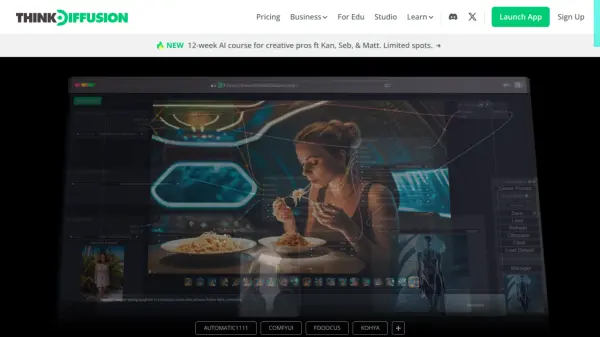
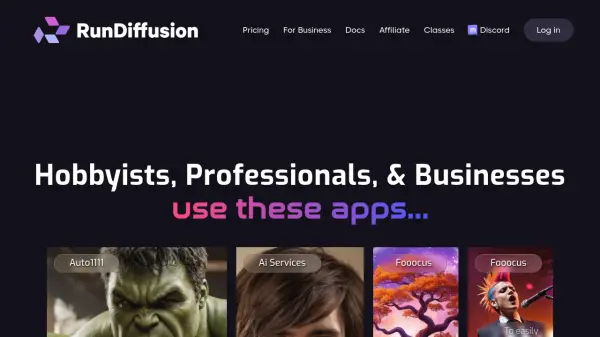
RunDiffusion provides a cloud-based environment to access and utilize a variety of open-source AI tools. This platform is designed to cater to hobbyists, professionals, and businesses, offering access to over 14 AI applications, including Automatic1111, Fooocus, ComfyUI, and Kohya SS. The service facilitates the creation of high-quality images and videos, leveraging powerful GPUs for efficient processing.
Managed hardware and pre-installed software allows users to focus on creative tasks. Features such as a smart timer, integrated file browser, and pre-loaded models from Civitai.com enhance the user experience. The service provides various server options that ensure optimal performance and scalability for different project requirements.
Features
- Automatic1111 WebUI: Access the leading Stable Diffusion UI with extensive features and customization options.
- Fooocus: Easily create high-quality images with a user-friendly interface and over 100 styles.
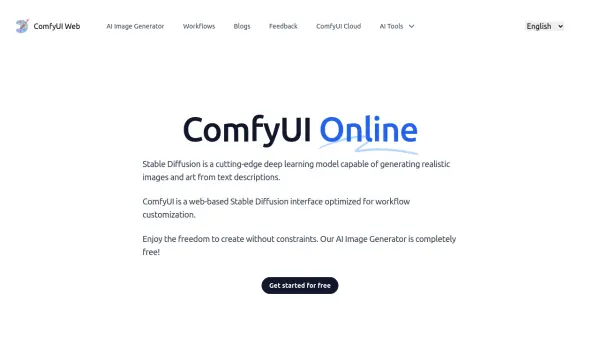
- ComfyUI: Utilize a node-based platform for advanced, customizable workflows.
- Kohya SS: Integrate your face into models and perform full fine-tuning.
- SD.Next (Vladmatic): Explore a comprehensive fork of Automatic1111 with extensive ControlNet support.
- Integrated File Browser: Manage and access your generated images easily.
- Smart Timer: Set session durations and avoid overcharges.
- Pre-loaded Models: Over 50 top models from Civitai.com are ready to load.
- RunDiffusion Models: Proprietary models like RD Photo Topaz and RD Photo Crystal are available.
- Deforum: Create videos with Deforum, preloaded on all servers.
Use Cases
- Creating marketing materials with customized product images.
- Developing visual concepts for novels and other creative projects.
- Generating personalized avatars and character models.
- Producing music videos using Deforum and Automatic1111.
- Storyboarding and visual planning for various projects.
- Creating and deploying workflows for teams using ComfyUI.
FAQs
-
How to delete your RD account?
The website content includes a dedicated section: 'How to delete your RD account?' in the footer.