What is RSpace?
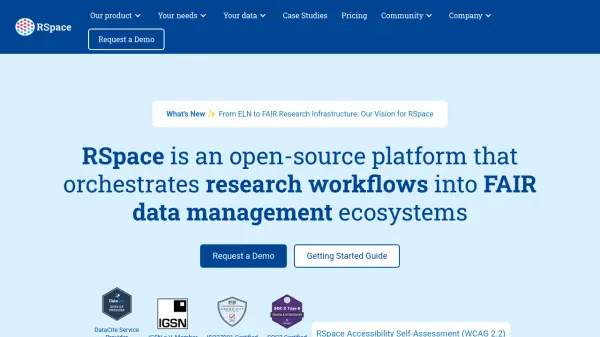
RSpace serves as a comprehensive research data management platform designed to facilitate FAIR (Findable, Accessible, Interoperable, Reusable) data workflows. The platform combines a fully-featured electronic lab notebook with a modern sample management system, enabling researchers to capture, associate, and track data, metadata, and persistent identifiers across their research ecosystem.
Through connectivity with external resources and institutional file systems, RSpace acts as a bridge between active research phases and planning, archiving, and storage phases. The platform supports seamless data exchange between ELN and inventory systems, customizable integrations, and export capabilities to various formats including repositories with data management plans.
Features
- Electronic Lab Notebook: Powerful built-in editor for professional documents with automatic sharing, backup, and auditing
- Inventory Management: Intuitive sample management system with barcode tracking and IGSN identifier support
- Connectivity: Seamless integration between ELN and inventory systems for automated data exchange
- Persistent Identifiers: DataCite service provider offering PID creation and registration services
- Templates & Workflows: Custom experiment templates and workflows tailored to specific research needs
Use Cases
- Managing laboratory samples and inventory with barcode tracking
- Creating and sharing research documents with automatic version control
- Implementing FAIR data management practices in research institutions
- Integrating research tools within institutional research commons
- Tracking research equipment usage and materials across experiments