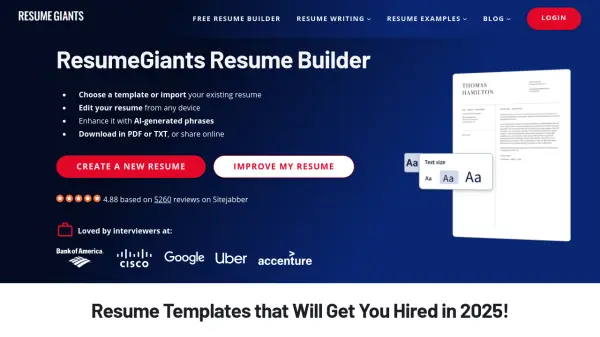
What is ResumeGiants?
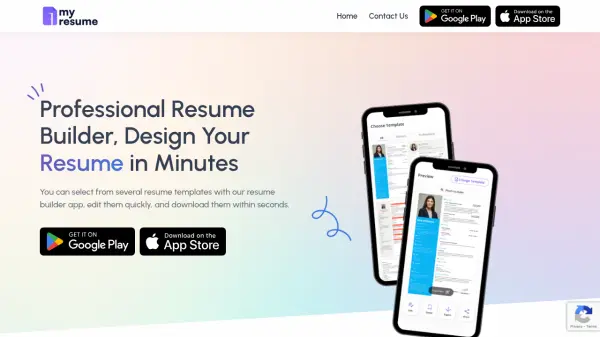
ResumeGiants is a free online resume builder designed to simplify the resume creation process. The platform leverages AI-powered technology to provide users with real-time suggestions and optimizations, ensuring their resumes are ATS-friendly.
The service features a library of professionally designed, recruiter-approved templates that are fully customizable. Users can easily modify colors, fonts, and sections, creating documents in multiple languages. ResumeGiants provides expert advice through guides, tutorial articles, and step-by-step guidance.
Features
- Multi-Language Resume Editor: Create resumes in multiple languages.
- AI-Powered Resume Builder & Editor: Receive smart, real-time suggestions.
- ATS-Optimized, Recruiter-Approved Templates: Utilize professional designs that pass Applicant Tracking Systems.
- Customizable Resume Designs & Styles: Adjust colors, fonts, and sections.
- Instant Cover Letter Generator: Create tailored cover letters with AI assistance.
- Multi-Device Compatibility: Edit your resume on desktop, tablet, and mobile.
- Private Resume Sharing: Share your resume securely with a private URL.
- Unlimited Free Resumes & Cover Letters: Build, edit, and download as many documents as needed.
Use Cases
- Creating a new resume from scratch.
- Updating an existing resume.
- Generating a cover letter to match a resume.
- Optimizing a resume for Applicant Tracking Systems (ATS).
- Creating resumes in multiple languages.
- Sharing resumes securely with potential employers.
FAQs
-
How does ResumeGiants work?
a. Sign in to your ResumeGiants account or register by entering your email address and creating a password. Use it 100% free for 14 days!b. Choose a resume template from our library of professionally verified templates.c. Drag and drop your information step-by-step into the fields you want to include, using our practical examples and expert tips.d. Once you’ve gone through all the steps, you can download your resume and start applying! -
How can I download my resume?
Once you’ve finished creating your resume, you can download it in seconds by clicking on the “Download your resume” button in the top-right-hand corner of the screen. You’ll also be able to select whether you want to download your resume in TXT or PDF format. You can download as many resumes as you need through your account, and from any device. -
How long does it take to make my resume with ResumeGiants?
Minutes. As long as you have your information ready, all you need to do is pick a template you like and fill in the necessary fields. If you still need to figure out some of your details, then it may take a few extra minutes. However, it will still take far less time than if you had to design, structure, and format the document yourself. -
Can I change my resume template?
Yes you can. When you start a resume you will be asked to choose a resume template which you can change from the resume editing page, when you are reviewing your resume preview. -
I made my resume on my desktop, can I access it from another device?
Yes, users can use any smartphone, tablet or computer to access their account and all their saved resumes. Resumes will be saved automatically as you work.