What is Real Fake Photos?
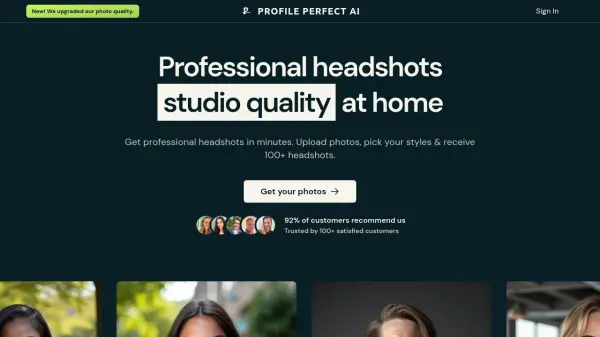
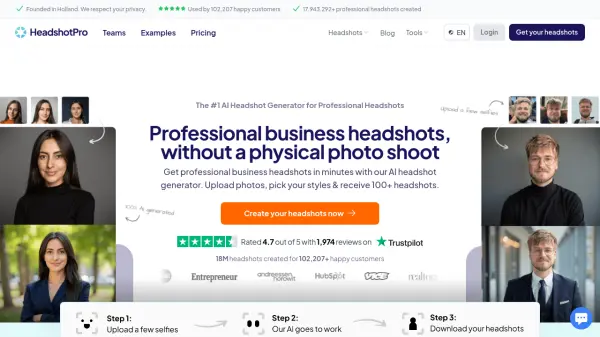
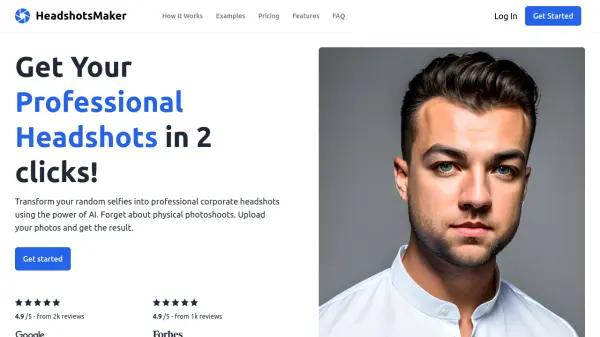
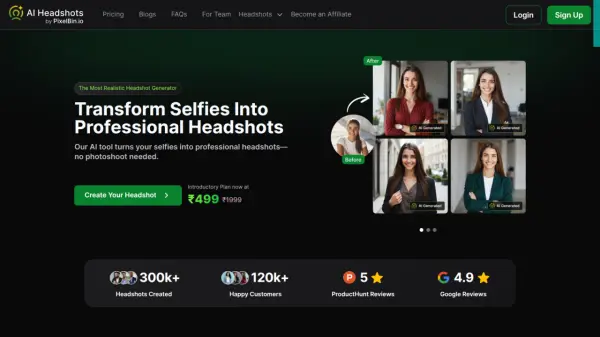
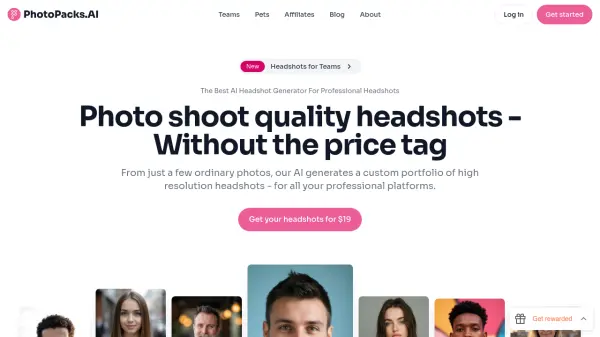
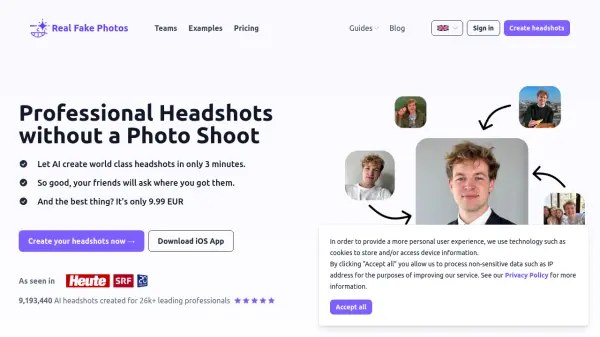
Real Fake Photos provides a convenient and cost-effective solution for obtaining high-quality, professional headshots. By leveraging the power of artificial intelligence, it transforms uploaded selfies into studio-quality portraits, eliminating the need for a traditional photo shoot. The process takes only a few hours, delivering a variety of styles to choose from.
This service focuses on speed and affordability, making professional imagery accessible to everyone. It offers a 100% money-back guarantee, ensuring customer satisfaction.
Features
- AI-Powered Generation: Creates headshots from selfies using artificial intelligence.
- Multiple Styles: Offers options like Professional, Casual, and Everyday.
- Fast Turnaround: Delivers generated headshots in as little as 3 hours.
- Affordable Pricing: Significantly cheaper than traditional professional photoshoots.
- Money-Back Guarantee: Offers a full refund if the customer is not satisfied.
Use Cases
- Updating LinkedIn profile picture
- Creating corporate headshots for teams
- Enhancing social media profiles (Instagram, WhatsApp)
- Improving professional online presence
- Updating Slack profile pictures
FAQs
-
Do I own the generated professional AI headshots?
Yes, they belong to you! -
Will Real Fake store my images?
Rest assured, we prioritize the security and protection of your personal images. We only store these images for the duration of the image generation process, after which they are automatically deleted from our system. -
How many good headshots can I expect?
Typically, 20+ out of the 40+ generated professional headshots are very good! We offer free regeneration and then a refund in case in case none of the pictures are useable. -
What selfie-picture format do you accept?
You can upload JPG, PNG, GIF, HEIC, TIFF, and WEBP files. -
What is the process for deleting my data?
To delete your data, go to the account settings page and click 'Delete my account and all of my data'. This will remove everything, including your input images, generated images, and the AI model.