
What is Quin?
Quin is an AI-powered tool designed to offer guidance and insights for everyday life. It acts as a trusted friend, providing support for decision-making in areas like family, friendships, career, finance, love, and relationships.
This tool focuses on user experience, offering a simple interface with no tutorial required. It allows individuals to ask questions and receive advice through a cozy voice companion, accessible anytime and anywhere. Quin helps users explore various aspects of their lives, offering clarity and promoting self-discovery.
Features
- Quick to Start: No tutorial needed to begin using the tool.
- Cozy Voice Companion: Interact with Quin through a comfortable voice interface.
- Any Time Any Where: Access Quin's insights whenever and wherever you need them.
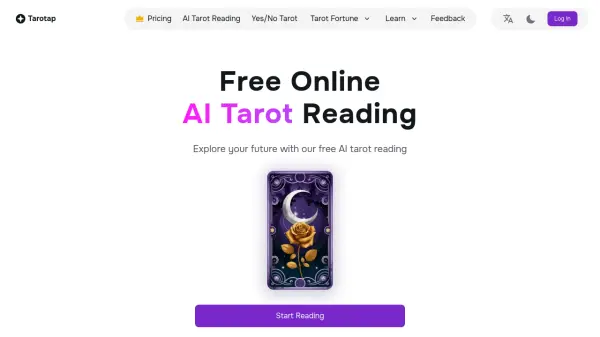
- Daily Tarot with Widgets: Receive daily tarot readings for added guidance.
- Privacy Focused: Your secrets are safe with Quin.
Use Cases
- Gaining clarity on relationship challenges.
- Seeking guidance on career decisions.
- Exploring personal growth opportunities.
- Receiving daily insights through tarot readings.
- Getting quick answers to yes/no questions.
- Understanding potential outcomes of different life choices.
FAQs
-
How can I contact Quin?
You can contact Quin through the contact us page on the website.