What is QuickToolify?
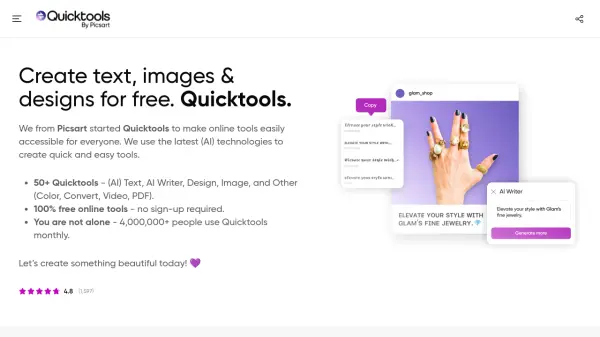
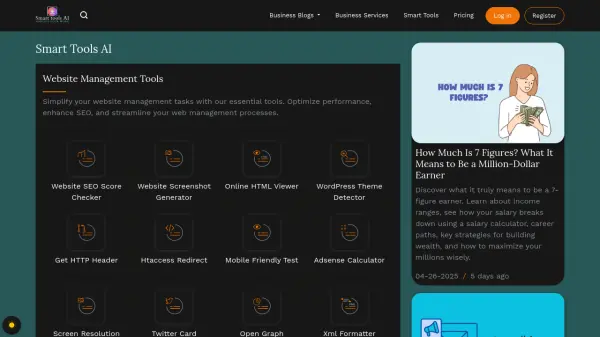
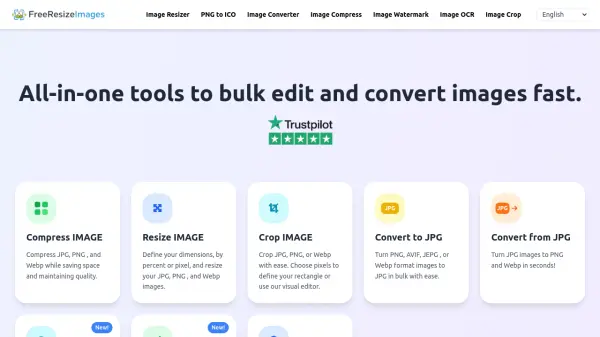
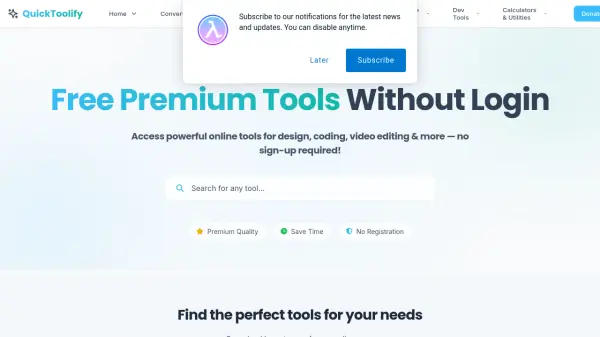
QuickToolify is an all-in-one online platform providing access to more than 100 premium quality tools for free. The suite covers a wide range of functions including image editing, various file conversions, document processing, and AI-powered content generation. Users can instantly utilize comprehensive utilities such as background removers, PDF converters, SEO analyzers, text-to-speech engines, plagiarism checkers, and blog headline creators—with no sign-up or installation necessary.
Designed to maximize efficiency for both professionals and casual users, QuickToolify ensures a seamless experience by organizing tools into dedicated categories for quick discovery and easy use. Every tool is optimized for speed, accuracy, and professional results, enabling users to swiftly manage everyday tasks in creative, business, and technical workflows directly from their web browser.
Features
- No Registration Required: Access all tools instantly without creating an account.
- AI-Powered Content Tools: Generate blog titles, outlines, social captions, headlines, and humanize AI content.
- Bulk Processing: Convert or edit multiple files and images at once.
- Professional Image Editing: Remove backgrounds, colorize photos, enhance quality, and remove objects using AI.
- Comprehensive PDF Suite: Convert, edit, merge, compress, crop, and translate PDFs online.
- Advanced SEO Utilities: Analyze traffic, find backlinks, generate meta descriptions, and more.
- Accurate Audio Transcription: Convert audio files to text with high-precision AI OCR.
- Instant Plagiarism and Grammar Checking: Review and correct text for originality and grammatical errors.
Use Cases
- Quickly remove backgrounds from product images for e-commerce listings.
- Convert PDF documents to editable Word files for business or academic purposes.
- Bulk resize or compress images for web optimization and faster loading times.
- Generate SEO-friendly meta descriptions, blog titles, and outlines for digital marketing.
- Transcribe recorded interviews, lectures, or podcasts into text for content creation.
- Enhance old photos by removing blur or adding color using AI-based photo tools.
- Analyze website SEO and traffic performance for improved digital strategies.
- Extract text from scanned documents and images using OCR technology.
FAQs
-
Do I need to create an account to use QuickToolify?
No, all tools on QuickToolify are available without registration or login. -
Are all the tools completely free to use?
Yes, every tool is available at no cost with no hidden fees. -
What types of files can I convert or process on QuickToolify?
You can convert images, audio, video, PDF, and office files among various formats as supported. -
Does QuickToolify use AI for content and image tools?
Yes, many tools use AI for content generation, image enhancement, background removal, and more.