

What is QuickTakes?
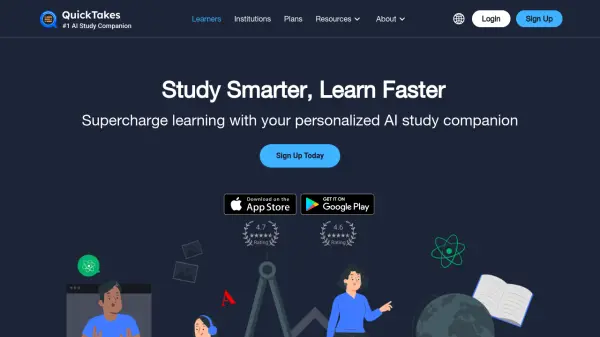
QuickTakes leverages artificial intelligence to transform how students approach learning by providing automated study support. The platform allows users to record live lectures or upload pre-recorded audio/video files, YouTube URLs, and PDFs, which are then processed to generate AI-created QuickTakes—detailed study notes that include outlines, study guides, glossaries, practice questions, and transcripts.
Students can organize their QuickTakes into class folders by semester for efficient study management and access a personalized AI companion chatbot available 24/7 to answer questions, discuss topics, and provide detailed explanations of class materials. This integrated approach helps users stay focused during lectures while ensuring they have reliable study backups and resources for exam preparation.
Features
- Lecture Recording: Record live lectures to generate AI-powered study notes automatically
- File Upload Support: Upload audio/video files, YouTube URLs, and PDFs for AI processing
- AI-Generated Study Materials: Auto-generates outlines, study guides, glossaries, practice questions, and transcripts
- Organization Tools: Group QuickTakes into class folders by semester for structured studying
- AI Chatbot Companion: 24/7 personalized chatbot for answering questions and discussing topics
- Multiple Subscription Options: Offers free and paid plans with varying recording time limits
Use Cases
- Recording live lectures to create comprehensive study notes
- Uploading pre-recorded class materials for AI-generated study aids
- Organizing study materials by semester for exam preparation
- Using the AI chatbot to get explanations and discuss course topics
- Generating practice questions and study guides for finals review
- Transcribing lecture content for accessibility and reference
FAQs
-
What types of files can I upload to QuickTakes?
You can upload pre-recorded audio and video files, YouTube URLs, and PDFs. -
Is there a free version available?
Yes, QuickTakes offers a free plan with 6 hours of monthly recording time and unlimited PDF uploads. -
How does the AI chatbot work?
The AI companion chatbot is available 24/7 to answer questions, discuss topics, and provide detailed explanations of your class materials. -
Can I organize my study materials?
Yes, you can group your QuickTakes into class folders by semester for easier studying.