Quickfiling favicon

Quickfiling
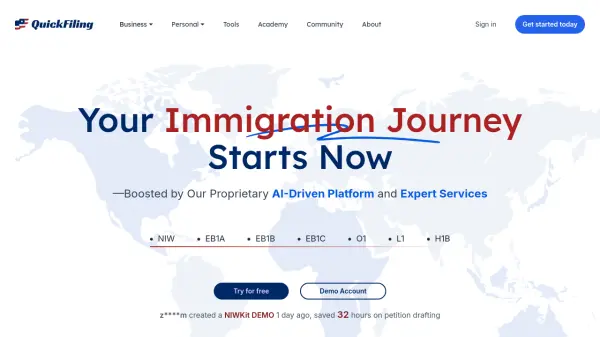
Your Immigration Journey Starts Now

What is Quickfiling?

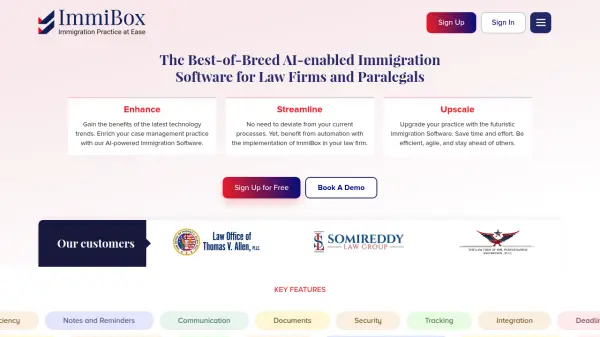
Quickfiling offers a comprehensive platform designed to streamline the immigration petition process. Powered by proprietary AI technology, it significantly reduces the time and complexity typically associated with filing petitions such as NIW, EB1A, EB1B, EB1C, O1, L1, and H1B. Quickfiling provides access to self-service tools and a network of independent immigration attorneys for personalized support.

The platform emphasizes data privacy and security, ensuring user information is protected in a secure vault. Users retain full ownership and control over their data, with the ability to delete it at any time. Quickfiling is dedicated to simplifying immigration procedures, allowing individuals to manage their petitions with greater ease and confidence.

Features

  • AI-Driven Platform: Simplifies and accelerates the immigration petition process.
  • Expert Services: Access to a network of independent immigration attorneys.
  • Data Security: User data stored in a protected vault with unauthorized access blocked.
  • User Control: Users own and control their data, including the ability to delete it.
  • DIY Tools: Access to tools for self-service petition filing.

Use Cases

  • Filing NIW petitions
  • Filing EB1A petitions
  • Filing EB1B petitions
  • Filing EB1C petitions
  • Filing O1 petitions
  • Filing L1 petitions
  • Filing H1B petitions

Related Tools:

Blogs:

  • Top AI tools for Students

    Top AI tools for Students

    These AI tools are designed to enhance the learning experience for students. From personalized study plans to intelligent tutoring systems.

  • Best AI tools for Room Design

    Best AI tools for Room Design

    Discover cutting-edge AI tools that redefine the art of room design. From layout optimization to aesthetic finesse, these top-tier tools enhance your space to new heights.

  • Top 6 AI note-taking tools for 2026: in-person, online, and hybrid use cases

    Top 6 AI note-taking tools for 2026: in-person, online, and hybrid use cases

    Most AI note-taking lists are really lists of meeting bots, which join your video call and transcribe it. That's useful, but it's half the picture. Decisions happen in hallway conversations, client dinners, on-site visits, and hybrid rooms where nobody is on a video link. This guide covers different parts of the note-taking workflow: hardware capture for in-person settings, platform-native tools for online calls, and AI layers for organizing and synthesizing what you've captured. It compares six tools by capture context, workflow fit, pricing, and limitations.

Didn't find tool you were looking for?

Be as detailed as possible for better results