What is QR Logo Gen?
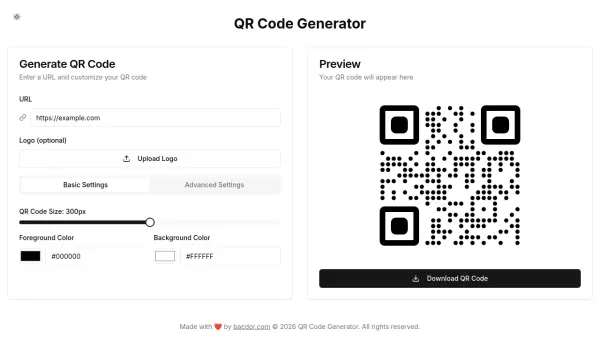
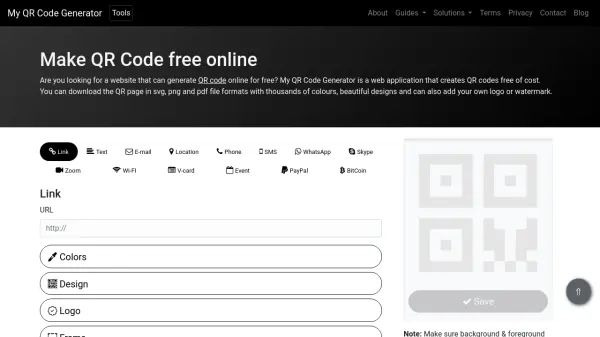
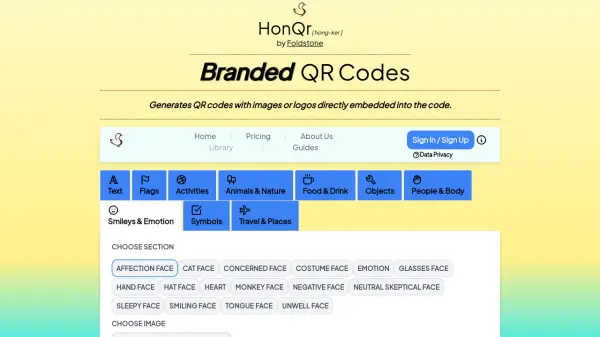
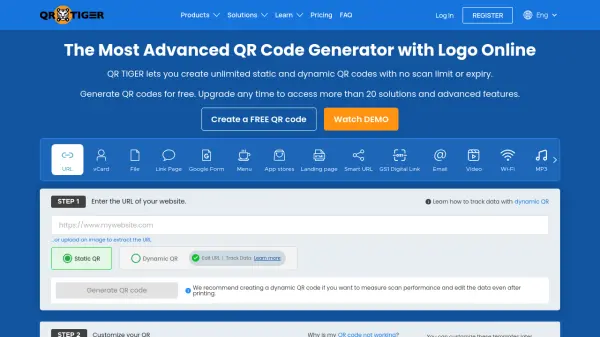
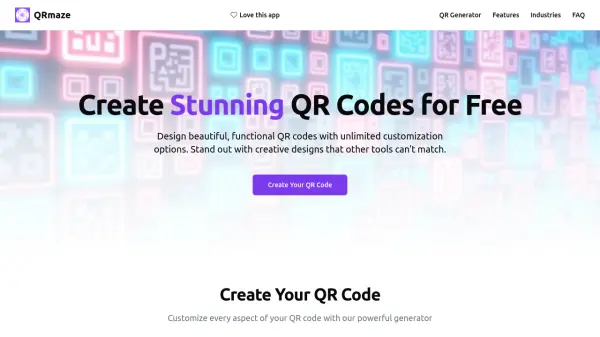
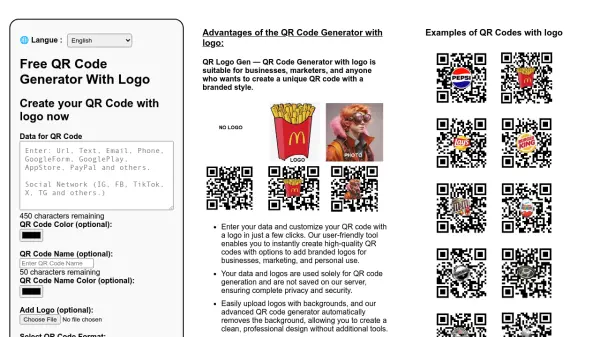
QR Logo Gen provides a user-friendly platform for generating QR codes with integrated logos. Users can input data, customize colors, and add logos with backgrounds that are automatically removed by the tool's advanced processing. The generator supports instant previews and saves QR codes in PNG or SVG formats, ensuring compatibility with various digital and print applications.
All data and logos are processed securely without being stored on servers, maintaining user privacy. The tool offers high-resolution options up to 10000x10000 pixels, making it suitable for professional use in business, marketing, and personal projects.
Features
- Customizable QR Codes: Users can enter data, customize colors, and add logos with automatic background removal
- Format Options: Supports saving QR codes in PNG and SVG formats for digital and vector-based applications
- Privacy and Security: Data and logos are not saved on servers, ensuring complete user privacy
- High-Resolution Outputs: Generates QR codes up to 10000x10000 pixels for various size needs
- Instant Preview: Allows users to preview QR codes before saving to ensure design accuracy
Use Cases
- Creating branded QR codes for business marketing materials
- Generating personalized QR codes for event promotions
- Designing QR codes with logos for product packaging
- Producing high-resolution QR codes for print media
- Developing custom QR codes for social media campaigns