
Punsclick favicon

Punsclick
Smart, Funny, One-Liner Wordplay in Seconds

What is Punsclick?

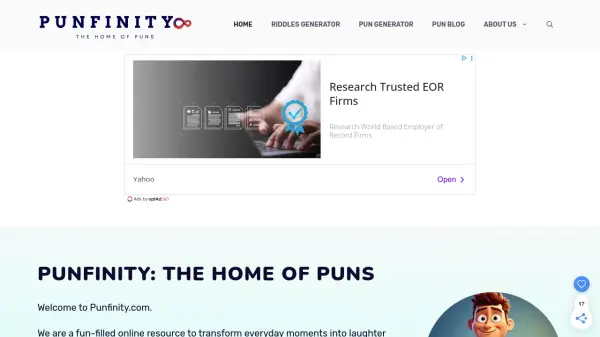
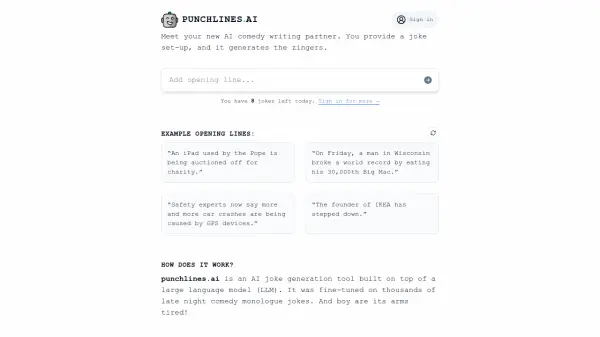
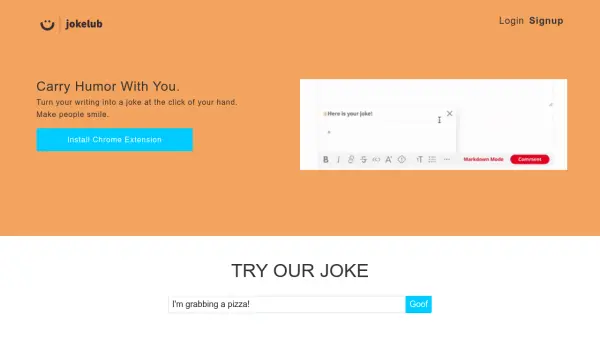
Punsclick is an AI-driven platform designed to generate smart and funny puns quickly. It leverages artificial intelligence to produce clever wordplay and one-liners, making it easy for users to create humorous content. The tool is ideal for those seeking instant pun generation for entertainment, social media, or creative projects.

The platform offers a user-friendly interface where users can input keywords or topics to receive tailored puns. By utilizing advanced AI algorithms, Punsclick ensures the generated puns are contextually relevant and humorous, saving time and effort in brainstorming witty phrases.

Features

  • AI-Powered Pun Generation: Uses artificial intelligence to create smart and funny puns instantly
  • One-Liner Wordplay: Generates concise and witty one-liners for quick use
  • User-Friendly Interface: Simple input system for generating puns based on keywords or topics

Use Cases

  • Creating jokes for social media posts
  • Generating humorous content for blogs or articles
  • Adding wit to presentations or speeches
  • Entertainment purposes at events or gatherings

Related Tools:

Blogs:

  • Top AI tools for Students

    Top AI tools for Students

    These AI tools are designed to enhance the learning experience for students. From personalized study plans to intelligent tutoring systems.

  • Best Content Automation AI tools

    Best Content Automation AI tools

    Streamline your content creation process, enhance productivity, and elevate the quality of your output effortlessly. Harness the power of cutting-edge automation technology for unparalleled results

  • Top 6 AI note-taking tools for 2026: in-person, online, and hybrid use cases

    Top 6 AI note-taking tools for 2026: in-person, online, and hybrid use cases

    Most AI note-taking lists are really lists of meeting bots, which join your video call and transcribe it. That's useful, but it's half the picture. Decisions happen in hallway conversations, client dinners, on-site visits, and hybrid rooms where nobody is on a video link. This guide covers different parts of the note-taking workflow: hardware capture for in-person settings, platform-native tools for online calls, and AI layers for organizing and synthesizing what you've captured. It compares six tools by capture context, workflow fit, pricing, and limitations.

Didn't find tool you were looking for?

Be as detailed as possible for better results