
What is ProtectedText?
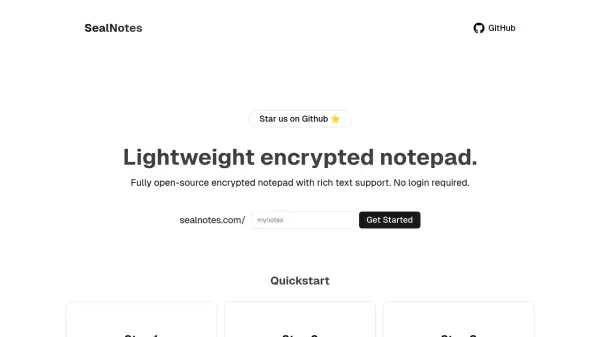
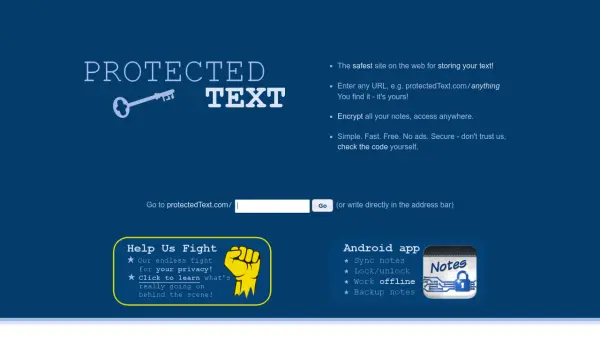
ProtectedText is a free online notepad with password protection, offering a secure way to store notes, ideas, to-do lists, and more. It uses client-side encryption, meaning your password is never sent to the server and only encrypted data is transmitted over the internet. No registration, no ads, no tracking. You can access your notes from any browser by navigating to a unique URL, and even use the Android app for mobile access. The service employs Trustless Security, ensuring you don't have to trust the provider to keep your data safe.
Features
- Client-Side Encryption: Your password never leaves your device; only encrypted text is sent over the internet.
- No Registration Required: No sign-up, login, or user accounts needed.
- Ad-Free and Tracker-Free: No ads or third-party cookies.
- Overwrite Protection: Prevents losing changes when editing from multiple devices.
- Open Source Client Code: All client-side code is available for review.
Use Cases
- Securely storing personal notes and reminders
- Creating encrypted to-do lists accessible from anywhere
- Storing sensitive information like passwords or ideas
- Collaborating on notes without exposing content to the service
- Keeping a private journal online
FAQs
-
What happens if I forget my password?
Passwords are never sent to our servers, so we cannot recover them. If you forget your password, your notes are lost permanently. -
Can I make a site public?
Yes, you can add the password after the URL (e.g., ProtectedText.com/yourSite?yourPassword) to automatically decrypt the page. -
How does overwrite protection work?
The server stores a hash of the content. When you save, the client returns that hash; if it matches, the save proceeds, preventing overwrites of changes made elsewhere. -
Is there a length limit for notes?
Yes, the maximum length is a bit more than 750,000 characters per page. -
How long are sites stored?
Sites are kept until you delete them manually; they never expire automatically.