Poolors favicon

Poolors
Discover Unique Color Combinations Least Used by Designers

What is Poolors?

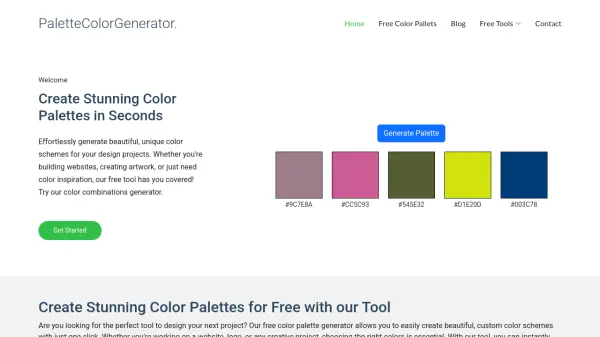
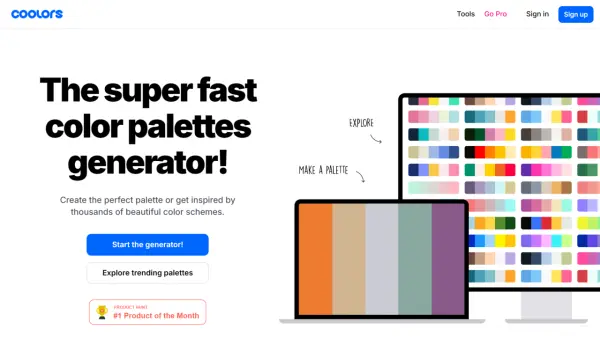
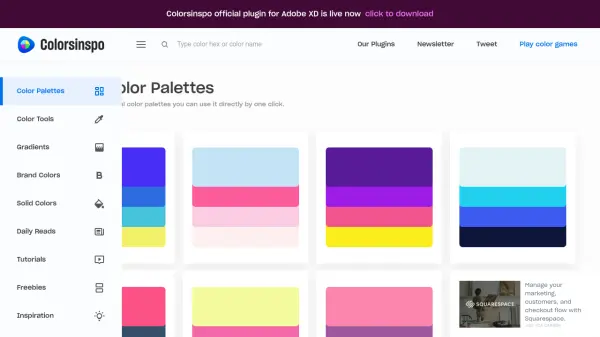
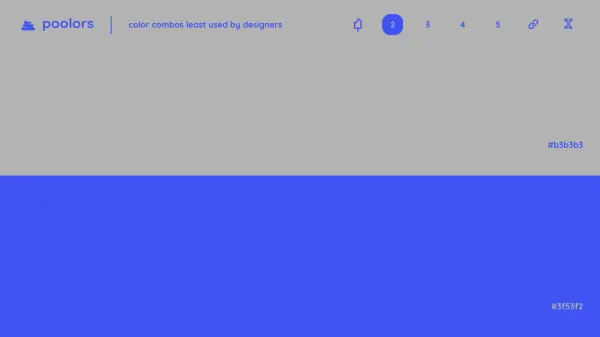
Poolors offers a curated collection of color palettes specifically aimed at designers seeking originality. It focuses on showcasing color combinations that are statistically less common among design professionals, providing a source of fresh inspiration.

The platform allows users to browse through various palettes, typically consisting of 2 to 5 colors, presented with their corresponding hex codes. It serves as a simple yet effective resource for breaking away from conventional color schemes and exploring less saturated visual territories in design projects.

Features

  • Color Palette Generation: Displays combinations of 2, 3, 4, or 5 colors.
  • Usage Statistics: Highlights color combinations least used by designers.
  • Hex Code Display: Provides standard hex codes for each color in the palette.
  • Simple Interface: Easy browsing and discovery of color palettes.

Use Cases

  • Finding unique color schemes for web design.
  • Sourcing inspiration for graphic design projects.
  • Selecting less common color palettes for branding.
  • Exploring unconventional color combinations for digital art.

Related Tools:

Blogs:

  • Boost Engagement in Ads with AI

    Boost Engagement in Ads with AI

    Discover how AI music and AI SDR agents are reshaping modern advertising. Learn how emotional resonance through AI-generated soundtracks combined with smart, automated sales outreach can turn viewers into loyal customers faster, cheaper, and more personally than ever before.

  • Top 6 AI note-taking tools for 2026: in-person, online, and hybrid use cases

    Top 6 AI note-taking tools for 2026: in-person, online, and hybrid use cases

    Most AI note-taking lists are really lists of meeting bots, which join your video call and transcribe it. That's useful, but it's half the picture. Decisions happen in hallway conversations, client dinners, on-site visits, and hybrid rooms where nobody is on a video link. This guide covers different parts of the note-taking workflow: hardware capture for in-person settings, platform-native tools for online calls, and AI layers for organizing and synthesizing what you've captured. It compares six tools by capture context, workflow fit, pricing, and limitations.

Didn't find tool you were looking for?

Be as detailed as possible for better results