What is POKY?
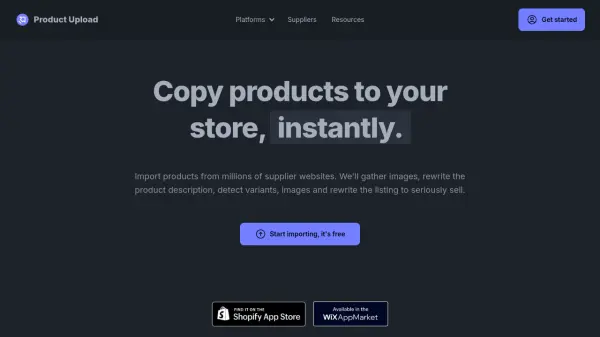
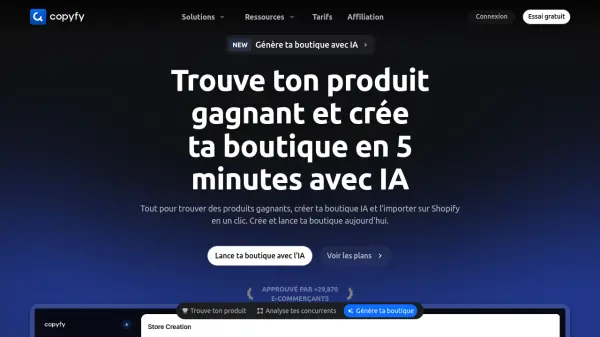
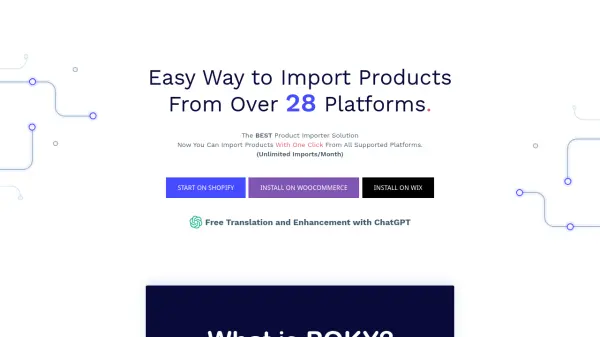
POKY is a powerful product importer designed to streamline the process of adding products to your online store. It supports importing from over 28 platforms, and users can also build their own scrapers for unsupported platforms. The tool provides a user-friendly interface accessible via a Chrome Extension, enabling one-click imports and edits.
POKY also integrates with ChatGPT to enhance and translate product descriptions. This allows users to easily optimize their product listings for different markets and improve their overall quality. It supports finding suppliers using POKY and chrome extention.
Features
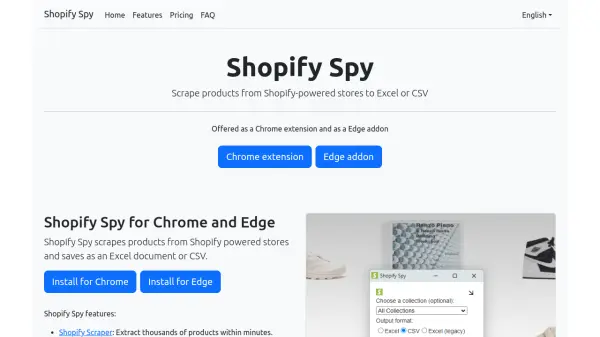
- Import Unlimited Products: Import unlimited products from any Shopify store with just one click.
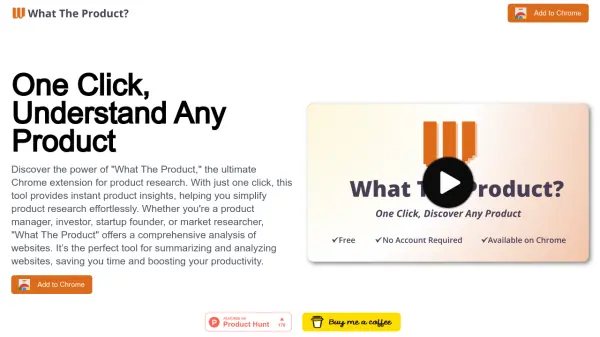
- POKY Chrome Extension: Import, edit, and find suppliers from all supported platforms using the POKY Chrome extension.
- Build Your Own Scraper: Create custom scrapers for any store or platform.
- Enhance and Translate with ChatGPT: Easily enhance and translate product information.
- Find Suppliers Feature: Search for the best suppliers for your products.
Use Cases
- Importing products from multiple e-commerce platforms.
- Creating custom scrapers for unsupported platforms.
- Enhancing and translating product descriptions.
- Finding suppliers for products.
- Exporting products as CSV.
FAQs
-
What is POKY used for?
Import products from all supported platforms easily with one click. With POKY, tasks that typically take 1 hour to create new products can now be accomplished in just a few minutes.