What is Pixelstech?
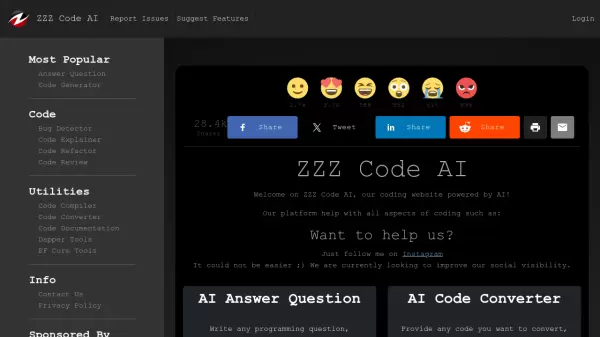
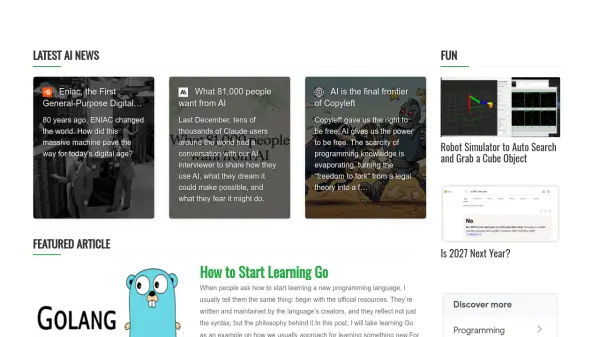
Pixelstech provides a comprehensive platform that integrates AI technology with programming resources and tools. The platform features AI-powered tools like AI OCR for optical character recognition and JSON Linter for code validation, alongside educational articles covering topics from learning programming languages to deploying AI clusters and robotics simulations.
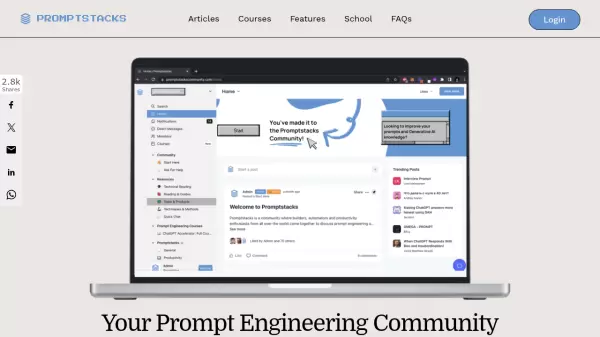
The community-driven aspect includes discussion forums where users can share experiences with AI code agents, workplace dynamics, and programming language critiques. The platform serves as a hub for developers seeking practical guidance, tool recommendations, and peer insights in the rapidly evolving tech landscape.
Features
- AI OCR: Optical character recognition tool powered by artificial intelligence
- JSON Linter: Code validation and formatting tool for JSON data
- Educational Articles: Programming tutorials and AI deployment guides
- Community Discussions: Forums for tech professionals to share experiences
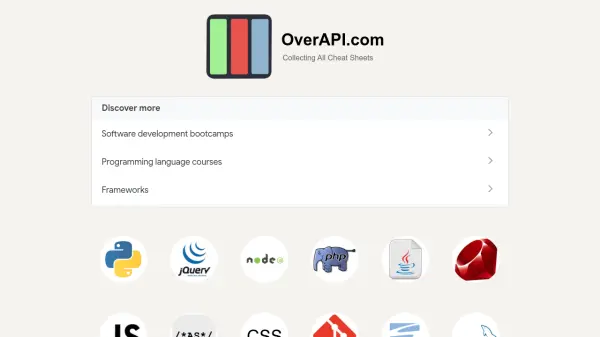
- Programming Tools: Collection of utilities for developers
Use Cases
- Learning new programming languages through guided tutorials
- Validating and formatting JSON code for development projects
- Extracting text from images using AI-powered OCR technology
- Participating in tech community discussions about AI tools and workplace dynamics
- Accessing practical guides for deploying AI clusters and robotics simulations