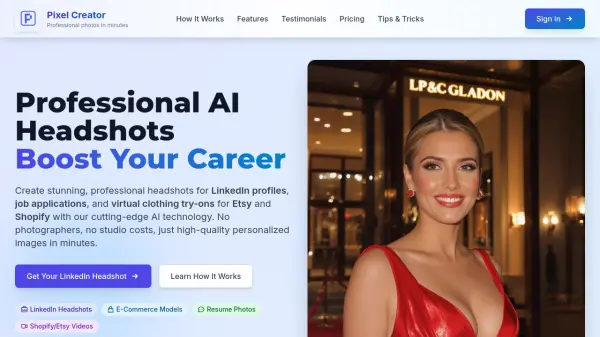
What is Pixel Creator?
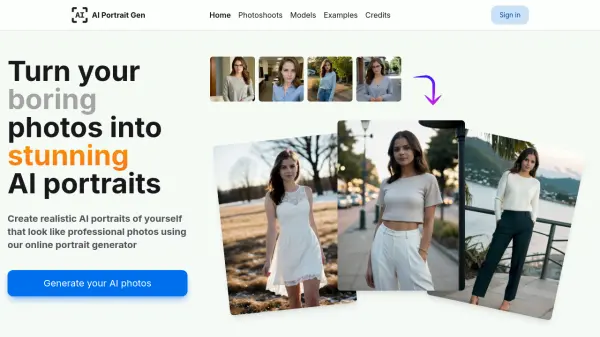
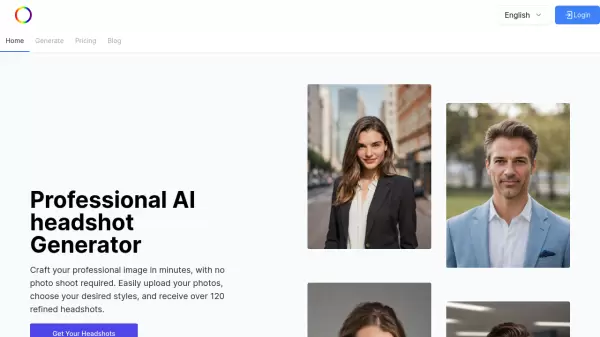
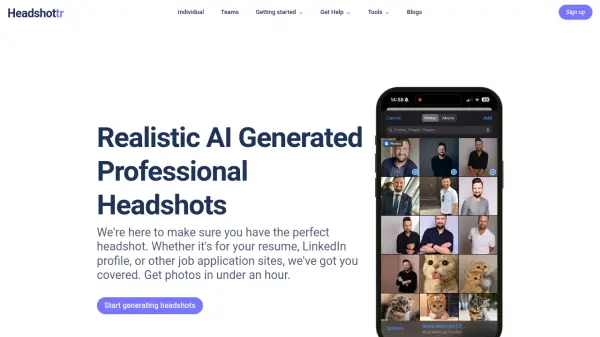
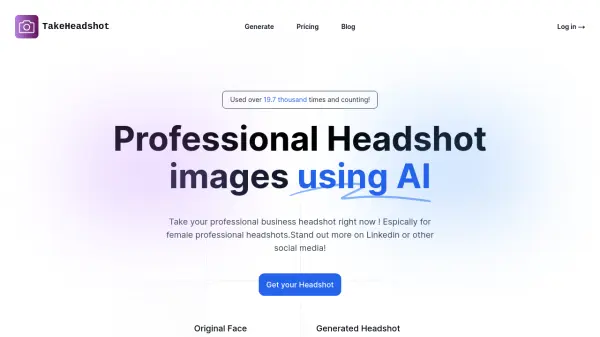
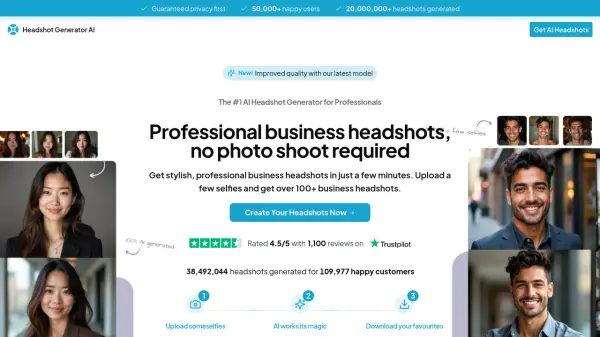
Pixel Creator is an AI-powered photography platform that transforms ordinary photos into professional-quality headshots and product images. Using cutting-edge artificial intelligence technology, it creates personalized models from uploaded photos or text descriptions, generating studio-quality results in minutes rather than days.
The platform offers high-resolution downloads, privacy protection, and advanced editing tools like background removal and image upscaling. It serves both professionals seeking career advancement through polished LinkedIn profiles and e-commerce sellers needing virtual clothing try-ons for platforms like Etsy and Shopify.
Features
- Personalized Model Creation: Upload 5-20 photos to create AI models that capture unique facial features and expressions
- Text-to-Image Generation: Describe photoshoot scenarios using text prompts to generate custom images in various environments and styles
- E-commerce Virtual Try-On: Create product photos with virtual models wearing merchandise for Etsy and Shopify stores
- Video Generation: Produce short video clips featuring personalized AI models with consistent character appearance
- Advanced Photo Editing: Includes one-click background removal, image upscaling, and lighting adjustment tools
- Privacy Protection: Complete ownership of generated content with no sharing of user images for training purposes
Use Cases
- Creating professional LinkedIn headshots to increase profile visibility
- Generating resume photos for job applications and professional credentials
- Producing virtual clothing try-on images for e-commerce product listings
- Creating seasonal marketing photos for holidays and special occasions
- Generating dynamic video content for social media and product demonstrations
- Creating professional headshots for dating apps and personal branding
FAQs
-
What is the recommended number of photos to upload for best results?
For optimal results, upload 5-20 different photos with varied expressions and angles to help the AI capture your unique features effectively. -
Can I use Pixel Creator for commercial purposes?
Yes, you own all photos generated and can use them for both personal and commercial purposes including websites, marketing materials, and social media. -
How does the credit system work for generating photos?
The platform uses a pay-as-you-go credit system where photo generation costs 50 credits, video generation costs 250 credits, and model fine-tuning costs 500 credits. -
What types of editing features are available?
Advanced editing tools include one-click background removal, high-quality image upscaling, and perfect lighting adjustments for enhanced photos. -
Is there a way to generate models without uploading photos?
Yes, you can generate completely new models from text descriptions if you prefer not to upload personal photos.