What is PicSwitch?
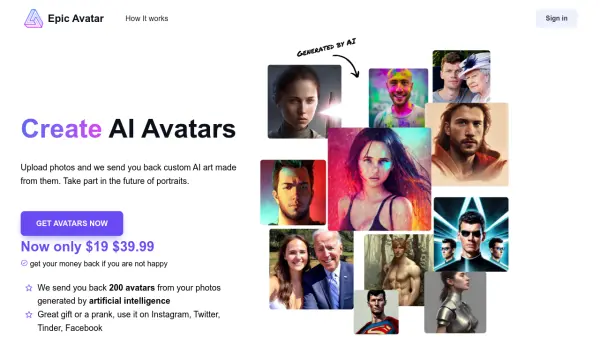
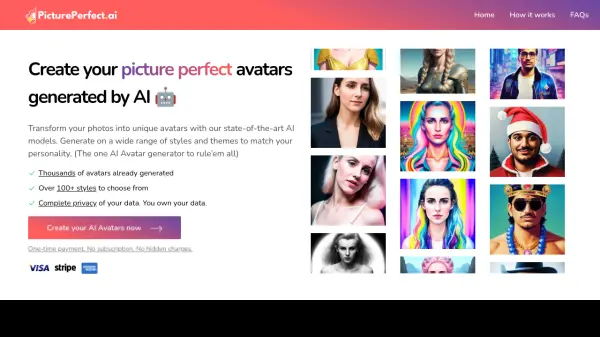
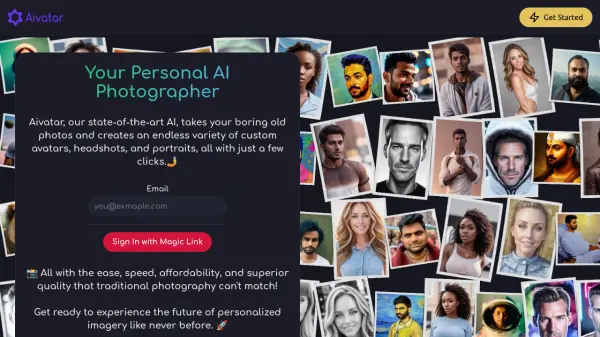
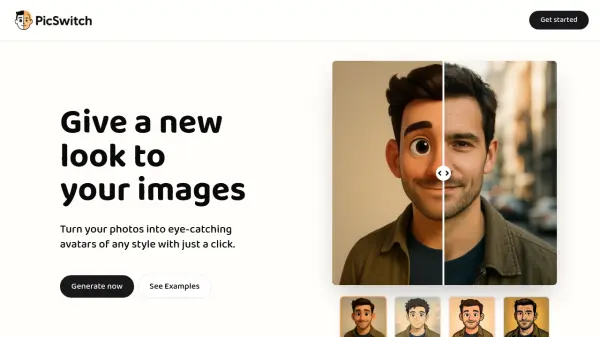
PicSwitch is an AI image transformation tool that allows users to convert their photos into stylized avatars with minimal effort. The platform utilizes state-of-the-art AI models to process images, delivering consistent and high-quality results. Users can upload their images, select from multiple styles, and download the transformed avatars in various formats.
The service emphasizes privacy by avoiding ads and data selling, ensuring a smooth user experience. It supports common image formats for upload and provides outputs in JPEG, PNG, or WEBP. PicSwitch is designed for both personal and commercial use, with transparent pricing and volume discounts available for larger projects.
Features
- AI Image Transformation: Converts photos into stylized avatars using advanced AI models
- Multiple Styles: Offers 9+ different styles for avatar customization
- High-Quality Outputs: Provides images up to 1024x1024 resolution
- Format Flexibility: Supports JPEG, PNG, and WEBP formats for both upload and download
- Commercial Use: Allows generated images to be used for commercial purposes
- Transparent Background: Option to generate avatars with transparent backgrounds
- Volume Discounts: Offers tiered pricing for bulk image generation projects
- Privacy Focused: No ads or data selling to third parties
Use Cases
- Creating personalized profile pictures for social media
- Generating avatars for gaming or virtual identities
- Producing branded images for marketing materials
- Developing character designs for creative projects
- Enhancing personal photos with artistic styles
FAQs
-
What happens if I'm not satisfied with the generated image?
Due to the instant and digital nature of AI-generated images, refunds are generally not offered, but you can contact support for technical issues or exceptional cases. -
What are the recommended image specifications for best results?
For best results, use clear, well-lit photos with faces clearly visible, and keep file sizes under 10MB per image. -
How does the volume discount pricing work?
Volume discounts apply when purchasing bundles of 5-300 images, with per-image prices decreasing as quantity increases, offering savings up to 49%.