What is Picker Wheel Pro?
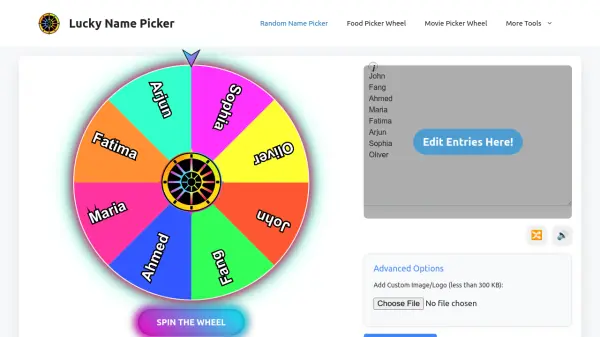
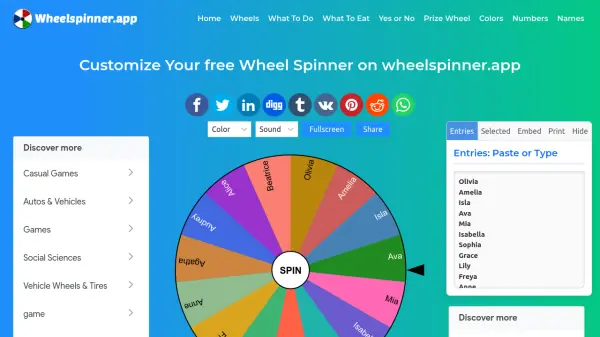
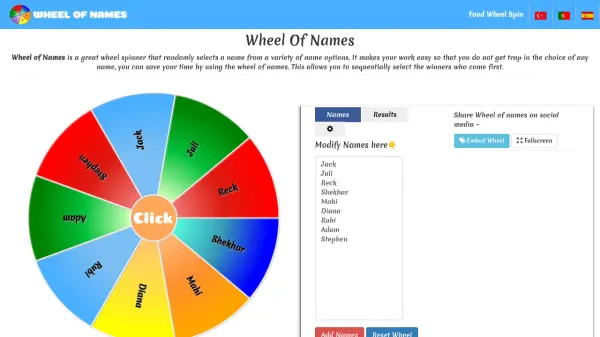
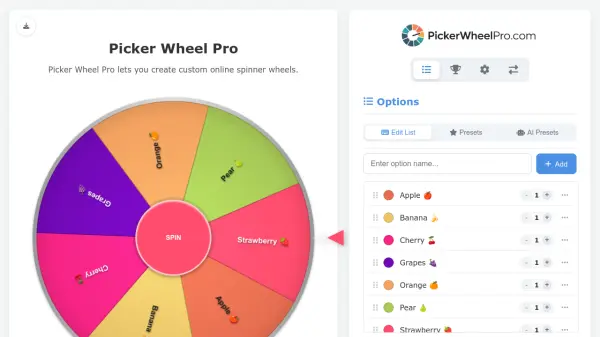
Picker Wheel Pro is a comprehensive digital spinner wheel solution designed for making random selections from user-defined options. The platform offers extensive customization capabilities, allowing users to add, edit, color-code, and weight entries according to their specific needs. With features like CSV import/export functionality, persistent browser storage, and customizable appearance settings, the tool provides a flexible environment for various random selection scenarios.
The system employs a sophisticated algorithm that ensures statistically sound random selections based on assigned weights, where each option's probability is calculated proportionally to its weight relative to all visible options. Users can enhance the experience with customizable sounds, visual effects, and fullscreen mode while maintaining complete control over their wheel configurations through intuitive management tools.
Features
- Weighted Entries: Adjust probability for each option from 1 to 10 for nuanced decision-making
- CSV Import/Export: Easily manage large lists by uploading and downloading options in CSV format
- Customizable Appearance: Personalize wheel colors, background images, and visual patterns
- Results Tracking: Automatically records spin history with timestamps and win counts
- Sound Customization: Add engaging audio effects for spinning, winning, and background music
Use Cases
- Classroom activities and student participation selection
- Fair giveaway and contest winner selection
- Team decision-making and task assignment
- Game night character or challenge selection
- Everyday decision-making for personal choices
FAQs
-
How does the weighted probability system work?
The weighted probability system calculates each option's chance of winning based on its assigned weight (1-10) relative to the total weight of all visible options, with higher weights increasing probability proportionally. -
Can I save and reload my wheel configurations?
Yes, the tool automatically saves options, results, and settings in your browser's local storage, and you can also export configurations to CSV files for backup and sharing. -
What file format is supported for importing options?
The tool supports CSV files with three columns (text, color, weight) and a header row, allowing you to import large lists of options with custom colors and weights. -
Are there any limitations on the number of options I can add?
While no specific limit is mentioned, options have a maximum text length of 50 characters, and the tool is designed to handle both small and large lists efficiently. -
Can I customize the visual appearance of the wheel?
Yes, you can customize wheel color patterns, page background colors or images, app titles, descriptions, and even hide certain interface elements for a personalized experience.