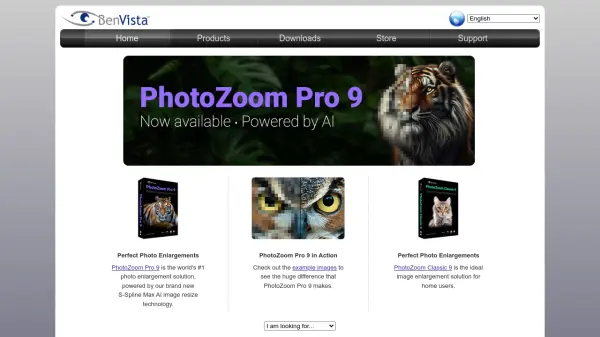
What is PhotoZoom Pro 9?
PhotoZoom Pro 9 is the leading photo enlargement software that leverages advanced S-Spline Max AI technology to resize images while preserving exceptional clarity and detail. Unlike traditional upscaling methods that often introduce blur or artifacts, this tool intelligently analyzes and reconstructs image data to produce sharp, natural-looking enlargements.
Ideal for photographers, designers, and home users, PhotoZoom Pro 9 offers a seamless solution for enlarging photos for print, web, or display. With its intuitive interface and powerful processing engine, users can achieve professional-grade results with minimal effort.
Features
- S-Spline Max AI Technology: Advanced AI-powered image resizing for superior quality.
- Batch Processing: Enlarge multiple photos simultaneously to save time.
- Preset Profiles: Optimized settings for different image types and output requirements.
- Preview Mode: Compare original and enlarged versions in real-time.
- Multi-Platform Support: Available for Windows and macOS.
Use Cases
- Enlarging low-resolution photos for high-quality prints or posters.
- Upscaling digital images for use in large-format displays or billboards.
- Restoring old or small photos by enlarging them without pixelation.
- Preparing images for publication or printing at higher resolutions.
- Improving image quality for professional portfolios or galleries.
FAQs
-
What is S-Spline Max AI technology?
S-Spline Max AI is BenVista's proprietary image resizing algorithm that uses artificial intelligence to analyze and reconstruct image data during enlargement, preserving sharpness and detail while minimizing artifacts. -
Can PhotoZoom Pro 9 process multiple images at once?
Yes, PhotoZoom Pro 9 includes batch processing capabilities, allowing users to enlarge multiple photos simultaneously with consistent settings. -
Is PhotoZoom Pro 9 compatible with both Windows and macOS?
Yes, PhotoZoom Pro 9 is available for both Windows and macOS operating systems. -
What file formats does PhotoZoom Pro 9 support?
PhotoZoom Pro 9 supports a wide range of image formats including JPEG, TIFF, PNG, BMP, and more.