What is AI-Upscale.app?
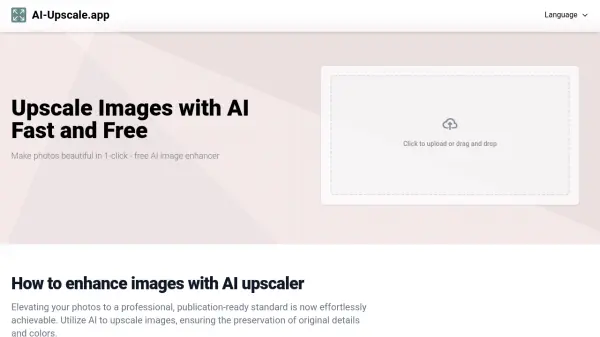
AI-Upscale.app represents a cutting-edge solution in the realm of image enhancement technology, offering sophisticated AI-powered upscaling capabilities that can increase image resolution up to 8 times while maintaining exceptional quality. The platform combines advanced algorithms with user-friendly functionality to deliver professional-grade results without requiring technical expertise.
This tool stands out for its comprehensive approach to image enhancement, utilizing intelligent algorithms that specifically target main objects in photos while preserving intricate details and original colors. The service prioritizes user privacy and security while offering a seamless experience for both personal and commercial applications.
Features
- Resolution Enhancement: Upscale images up to 8x original size
- Intelligent Processing: Automatic targeting of main objects in photos
- Format Support: Compatible with JPEG, PNG, and GIF formats
- Privacy Protection: Secure image processing with automatic deletion
- Multi-Image Processing: Ability to process multiple images simultaneously
- User-Friendly Interface: Simple drag-and-drop functionality
Use Cases
- Product photography enhancement for e-commerce
- Professional photo editing and restoration
- Enlarging photos for prints or large displays
- Improving low-resolution images for digital marketing
- Enhancing portfolio images for photographers
- Upgrading visual content for websites and social media
FAQs
-
What are the supported file formats?
AI-Upscale.app supports common image file formats including JPEG, PNG, and GIF. -
How long does it take to upscale an image?
The process typically takes a few minutes, depending on the image size and server load. Larger images may require additional processing time. -
What factors affect the quality of upscaled images?
The quality depends on factors such as the original image resolution, the algorithms used, and the specific settings chosen during the upscaling process.