What is Photogen by AI?
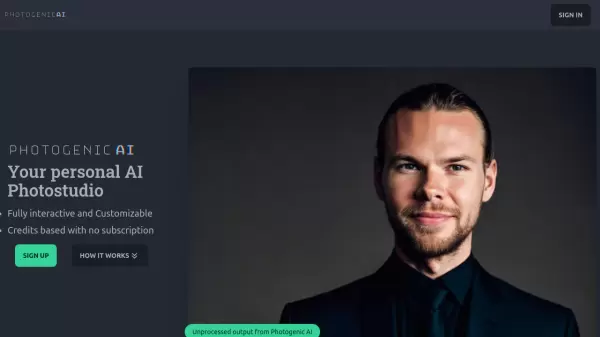
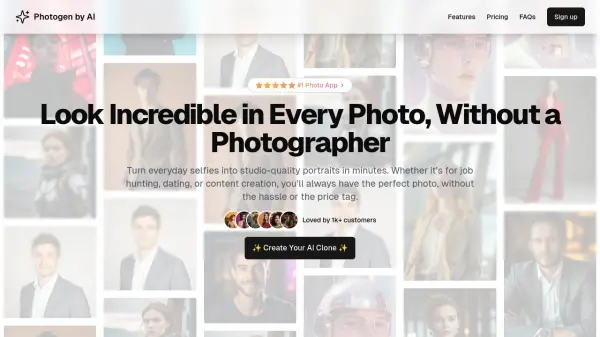
Leverage artificial intelligence to convert standard selfies into professional-grade portraits suitable for various purposes, including job applications, dating profiles, and digital content. This tool streamlines the process of obtaining high-quality images without needing a traditional photoshoot or photographer.
Users begin by uploading a set of 10-20 selfies taken in diverse environments. The system then utilizes these images to train a personalized AI model, a process typically completed within an hour. Once the model is ready, users can generate an unlimited number of high-quality photos, selecting from numerous preset styles or customizing elements like poses, expressions, and backgrounds to match their unique aesthetic or brand identity.
Features
- Personal AI Model Training: Creates a unique AI model based on 10-20 user selfies.
- AI-Powered Photo Generation: Transforms selfies into high-quality, lifelike portraits.
- Diverse Photo Packs: Offers over 60 preset packs for various styles (e.g., corporate, street-style).
- Customizable Output: Allows fine-tuning of poses, expressions, and background settings.
- Unlimited Photo Generation: Generate unlimited photos once the AI model is trained (subject to plan limits where applicable).
- Tiered Quality & Quantity: Offers different image quality levels and monthly generation limits based on subscription plan.
Use Cases
- Creating professional headshots for LinkedIn and job applications.
- Generating attractive photos for dating profiles.
- Producing unique content for social media platforms.
- Developing images for personal projects or branding.
- Obtaining studio-quality portraits without a photographer.
FAQs
-
How does Photogen by AI work?
You upload 10–20 selfies in different settings. The system trains a personal AI model in about an hour. Once ready, you can generate unlimited high-quality photos using your model and various style presets. -
How many photos do I need to upload for best results?
For optimal results, you should upload 10–20 selfies taken in different settings.