What is Photo16x9?
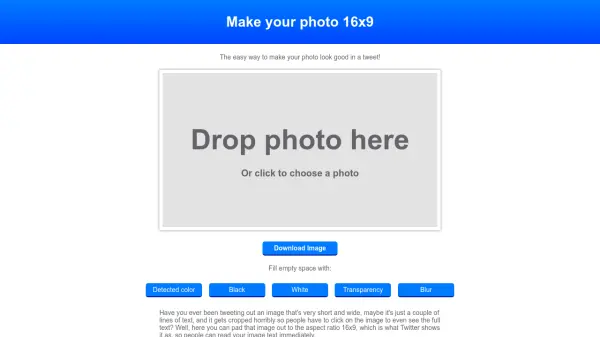
Photo16x9 is a web-based tool designed to solve a common problem for Twitter users: images that appear cropped due to aspect ratio mismatches. It allows users to upload any photo and automatically adjusts it to a 16x9 aspect ratio, which is the standard display format on Twitter. This ensures that text and content within images are fully visible without requiring users to click for expansion.
The tool offers customization options for filling empty spaces, including detected color, black, white, transparency, or blur effects. It operates entirely in the browser without using cookies or tracking scripts, prioritizing user privacy. The source code is openly available, reflecting a transparent and straightforward approach to functionality.
Features
- Aspect Ratio Adjustment: Automatically pads images to 16x9 for optimal Twitter display
- Custom Fill Options: Offers choices like detected color, black, white, transparency, or blur to fill empty spaces
- Privacy-Focused: No cookies or tracking scripts used, with open-source code available
- Easy Download: Allows users to save the processed image directly to their device
Use Cases
- Preventing image cropping on Twitter posts
- Enhancing visual appeal of text-based images for social media
- Quickly adjusting photos for consistent display across platforms