What is Payme?
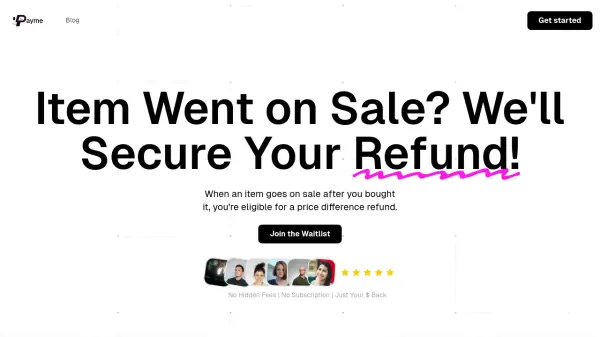
Payme revolutionizes the post-purchase experience by automatically tracking price changes on items customers have bought and securing refunds when prices drop. Through AI-powered monitoring and automated customer service interaction, the service handles the entire refund process without requiring any additional effort from users.
The platform integrates seamlessly with email receipts to track purchases, continuously monitors price fluctuations, and automatically initiates refund requests when eligible price drops are detected. Operating on a success-based commission model, Payme only generates revenue when successfully securing refunds for its users.
Features
- Automatic Purchase Tracking: Seamless integration with email receipts
- AI Price Monitoring: Continuous tracking of purchased items' prices
- Automated Refund Processing: AI-powered submission of refund requests
- Real-time Updates: Notifications when refunds are secured
- Zero Upfront Cost: Commission-based pricing model
Use Cases
- Securing refunds for post-purchase price drops
- Monitoring retail purchases for savings opportunities
- Automating price adjustment claims
- Managing price protection benefits
- Maximizing shopping savings without active monitoring
FAQs
-
Is Payme free to use?
Yes, Payme is free to sign up and only charges a 20% commission on successfully secured refunds. -
How does Payme make money?
Payme operates on a success-based model, taking 20% commission of each refunded amount, while users keep 80% of the secured refunds. -
Does Payme work with every store?
While Payme works with many retailers, it may not support all stores. The service focuses on stores with price adjustment policies.