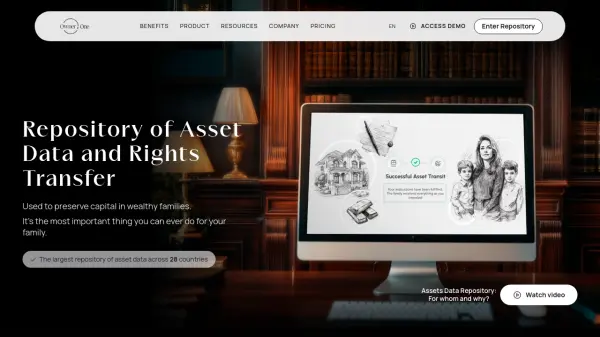
What is Owner.One?
Owner.One offers a secure, algorithm-driven repository for wealthy families to inventory, manage, and automate the transfer of asset data and legal rights. Deploying fully automated digital algorithms, it ensures that asset information and key documents are encrypted, stored either on the user's own server or chosen remote locations, and distributed seamlessly to designated family members or trusted individuals upon predefined life events or triggers.
The platform features capabilities such as inventory of global assets, automated transfer algorithms, crisis-triggered notifications, asset rights transfer, and an International Will service. With support for unlimited members, assistants, and robust security controls, Owner.One empowers users to preserve family capital and minimize the risks of traditional wealth transfer methods—all while maintaining full data ownership and privacy.
Features
- Automated Transfer Algorithms: Fully hands-free digital execution for asset data and rights transfer
- Crisis Trigger Detection: Customizable triggers such as inactivity, geolocation, or life events
- Asset Data Inventory: Comprehensive digital inventory of accounts, real estate, businesses, and securities
- Encrypted Data Storage: Option to store encrypted data on user-controlled servers
- International Will: Creation and management of digital international wills
- Assistant Delegation: Limited-access data input from approved assistants or managers
- Unlimited Family Members: Includes comprehensive access for family and meaningful others
- Personal Dashboards: Individualized overviews and controls for each user
- Transfer on Blockchain: Utilizes blockchain for secure asset transfer processes
- KYC & Source of Wealth: Integrated compliance documents and history management
Use Cases
- Digitally organizing and inventorying all family assets across multiple countries
- Automated transfer of asset data and legal documentation upon predefined crisis events
- Ensuring seamless inheritance and rights transfer without intermediaries
- Providing secure, private, and controlled access to asset data for family and trusted parties
- Maintaining up-to-date records for legal and tax compliance
- Delegating asset tracking responsibilities to advisors or assistants without full system access
FAQs
-
How is my account protected from hacks and unauthorized access?
Owner.One uses encrypted data storage and robust security protocols, allowing users to store their information on their own remote servers to ensure full privacy and protection against unauthorized access. -
How to become an Owner.One user?
To become a user, you need to sign up on the platform, create an account, and follow the setup instructions to inventory assets and configure transfer algorithms.