Online Word Editor favicon

Online Word Editor
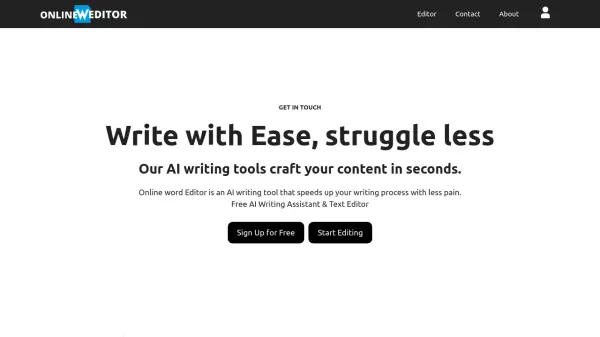
Write with Ease, Struggle Less

What is Online Word Editor?

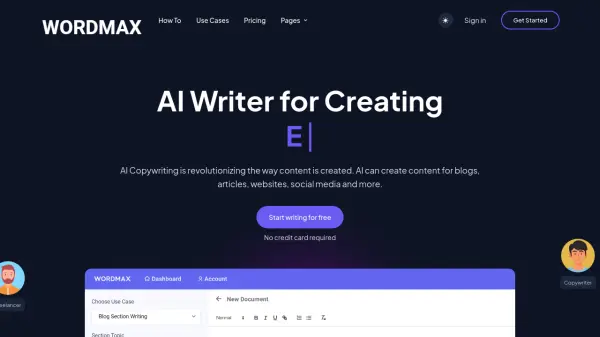
Online Word Editor is an AI writing tool designed to streamline your writing process. It offers a suite of AI-powered features directly within its document editor, enabling users to efficiently generate, rewrite, translate, and improve their content.

By simply inputting a topic, users can leverage the AI to create initial drafts, which can then be further refined and polished using the editor's comprehensive tools. This makes content creation faster and less burdensome.

Features

  • AI Document Editor: Generate, rewrite, translate, and improve content within the editor.
  • Content Generation: Create content on a blank page by inputting a topic.
  • AI Summarizer: Generate summaries of any document.

Use Cases

  • Creating blog posts
  • Drafting articles
  • Generating marketing copy
  • Summarizing documents
  • Translating text
  • Rewriting content

Related Tools:

Blogs:

  • Ghibli Art Generator AI tools

    Ghibli Art Generator AI tools

    List of the best AI tools to turn your photos into images that look like Studio Ghibli movies. Easy to use and fun for everyone.

  • Best text to speech AI tools

    Best text to speech AI tools

    Text-to-speech (TTS) AI tools are designed to convert written or text-based content into natural-sounding spoken audio. These tools utilize various deep learning and neural network architectures to generate human-like speech from textual input.

  • Top 6 AI note-taking tools for 2026: in-person, online, and hybrid use cases

    Top 6 AI note-taking tools for 2026: in-person, online, and hybrid use cases

    Most AI note-taking lists are really lists of meeting bots, which join your video call and transcribe it. That's useful, but it's half the picture. Decisions happen in hallway conversations, client dinners, on-site visits, and hybrid rooms where nobody is on a video link. This guide covers different parts of the note-taking workflow: hardware capture for in-person settings, platform-native tools for online calls, and AI layers for organizing and synthesizing what you've captured. It compares six tools by capture context, workflow fit, pricing, and limitations.

Didn't find tool you were looking for?

Be as detailed as possible for better results