

What is One4Studio?
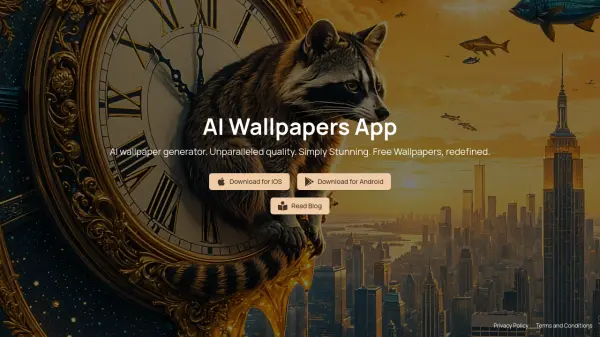
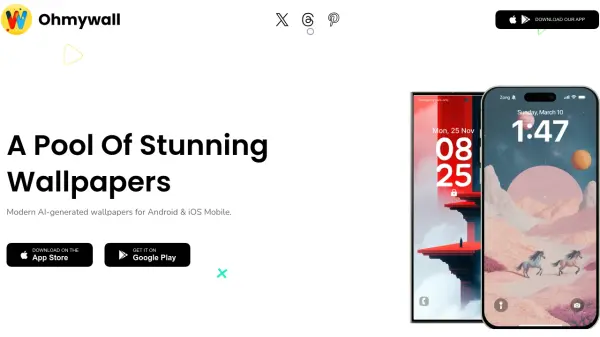
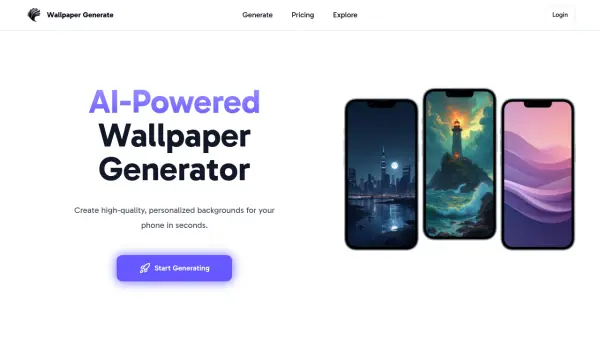
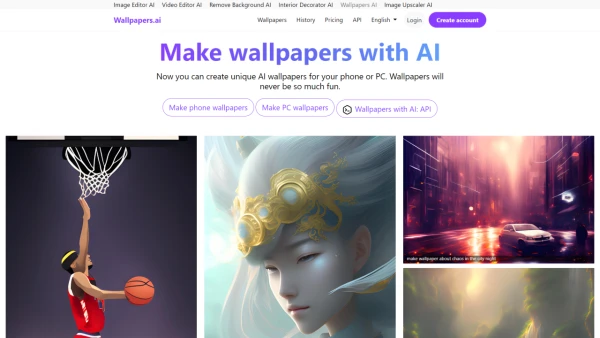
One4Studio operates as a mobile app development studio that creates premium applications for Android and iOS devices. The company focuses on delivering personalization tools such as icon packs and wallpaper apps, along with utility applications designed to enhance user experience. Their portfolio includes AI-generated wallpaper apps that are updated daily with new designs across various categories, icon packs featuring thousands of hand-crafted icons, and utility tools like photo and video compressors that reduce file sizes significantly without compromising quality.
Since its establishment in 2018, One4Studio has built a reputation for quality and regular updates, with new content added weekly and cross-platform availability. The studio emphasizes privacy-first design in its utility apps, offering offline functionality for maximum security. Their apps are crafted with attention to detail, ensuring pixel-perfect results on any device and synchronization of favorites across multiple platforms.
Features
- AI-Generated Wallpapers: Daily updated wallpapers across categories like abstract, nature, and minimal, hand-edited for perfection
- Icon Packs: Thousands of hand-crafted icons designed for pixel-perfect results on any device
- Photo Compression: Shrink photo and video files by up to 80% with no visible quality loss, with 100% offline processing
- Cross-Platform Availability: Apps available on both Android and iOS with sync capabilities across devices
- Regular Updates: New content added weekly with icon requests fulfilled within 1-2 updates
Use Cases
- Customizing mobile device home screens with unique wallpapers and icons
- Reducing photo and video file sizes to save storage space on iOS devices
- Planning meals and creating shopping lists for cooking activities
- Applying custom icon packs on Android devices using compatible launchers
- Accessing daily updated AI-generated wallpapers for personal or professional use
FAQs
-
What apps does One4Studio offer?
One4Studio offers icon packs (Vera, Lena, Ares, Caelus, Adaptive), wallpaper apps (One4Wall, Thematica), widget packs (One4KWGT Pro, One4KWGT Reloaded, Nora for iOS), WearOS watch faces (Neuron), the SlimPix photo and video compressor for iOS, and Vule — a recipe, meal plan, and grocery list app for iOS. -
Are One4Studio apps available for iPhone?
Yes! One4Wall and Thematica are available on the iOS App Store. Our icon packs are compatible with various iOS launcher and shortcut apps that support custom icons. SlimPix, our photo and video compressor, is also available exclusively on iOS. -
How do I apply icon packs on Android?
To apply One4Studio icon packs on Android, you need a compatible launcher like Nova Launcher, Lawnchair, or Niagara. After installing the icon pack app, open it and select 'Apply' to your chosen launcher. Samsung users can use Good Lock's Theme Park module to apply custom icon packs.