What is Nusmark?
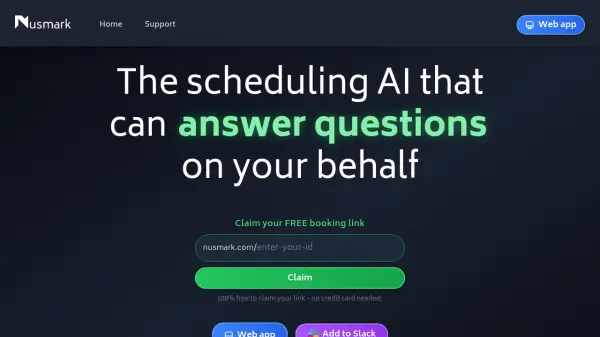
Nusmark is an AI-driven scheduling solution designed to streamline appointment management by automating responses and bookings. The platform offers a web application and Slack integration, allowing users to claim a personalized booking link without any cost or credit card requirements. It leverages artificial intelligence to handle inquiries and scheduling tasks efficiently, reducing manual effort in coordinating meetings.
Developed by a team with expertise in consumer technology and AI, including professionals from Oxford, London, and Southampton, Nusmark focuses on delivering product enhancements and life improvements through automated scheduling. The tool is currently in version 3.7.0 and provides a user-friendly interface for managing appointments seamlessly.
Features
- AI-Powered Scheduling: Automates appointment booking and answers questions on your behalf
- Free Booking Link: Claim a personalized link without credit card or cost
- Web App Integration: Access scheduling features through a web application
- Slack Compatibility: Add the tool to Slack for seamless team scheduling
Use Cases
- Automating appointment bookings for professionals
- Managing team scheduling through Slack integration
- Handling customer inquiries for service-based businesses
- Streamlining meeting coordination for remote teams