What is Notetracks?
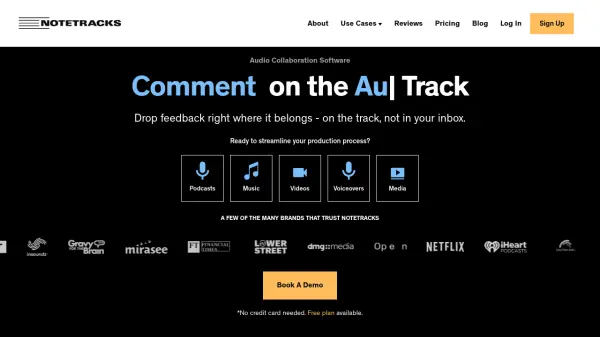
Notetracks is an audio collaboration platform that transforms how media professionals give and receive feedback on audio projects. Instead of relying on lengthy email threads or scattered notes, users can drop precise time-stamped comments directly on the audio waveform. This allows podcast editors, music producers, video creators, and voiceover artists to communicate ideas clearly and efficiently.
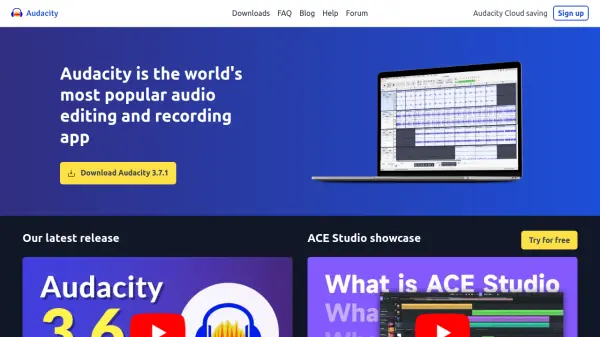
The platform includes powerful features such as audio transcription, built-in editing tools for making quick adjustments, and support for video tracks alongside audio. Notetracks integrates with popular editing software like Adobe Audition, Pro Tools, Audacity, and Hindenburg Pro, enabling seamless export of comments. Trusted by over 10,000 media producers, it helps teams reduce revision time by 65% and boost production quality.
Features
- Time-Stamped Comments: Drop feedback directly on the audio waveform at specific moments.
- Audio Transcription: Generate searchable transcripts from audio tracks.
- Built-in Audio Editor: Make edits like split, fade, and adjust speed without external software.
- Video Collaboration: Sync video tracks with audio for comprehensive review.
- Integration with DAWs: Export comments to Adobe Audition, Pro Tools, Audacity, and Hindenburg Pro.
Use Cases
- Podcast editing and client review
- Music production feedback and collaboration
- Video post-production review and approvals
- Voiceover direction and script alignment
- Educational audio assignment submission and peer review
- Marketing audio and video content development
FAQs
-
What is a collaborator and do they have to pay?
A collaborator is anyone you invite to a project who can leave comments, timestamps, and drawings. They can collaborate on your projects for free; only project owners need a paid plan to create projects. -
What are the benefits of buying an annual plan?
Annual plans offer a 17% discount and allow uninterrupted work on projects without worrying about account expiration. -
What’s required to use Notetracks?
Nothing beyond a computer and an internet connection. Notetracks is a complete online platform. -
Do you offer Enterprise plans?
Yes, Enterprise plans offer custom pricing and features like watermark sound, multi-team management, and single sign-on. Contact the Customer Success team for details. -
How will you bill me?
Billing is monthly or annually in USD, processed through Stripe. We accept Visa, MasterCard, and American Express.