Neatrat favicon

Neatrat
Text to emoji with AI

What is Neatrat?

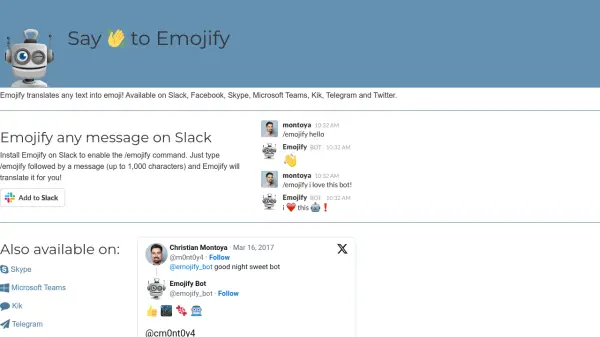
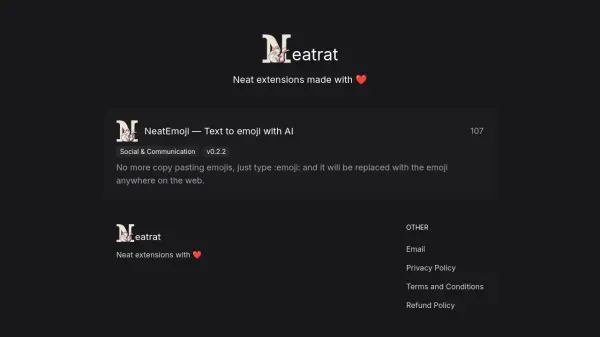
Neatrat is the developer behind NeatEmoji, a browser extension designed to streamline online communication through the use of Artificial Intelligence. This tool focuses on simplifying the process of inserting emojis into text fields across the web.

With NeatEmoji installed, users no longer need to manually search for or copy-paste emojis. Instead, they can simply type a text shortcut, such as :emoji:, and the extension automatically replaces it with the corresponding emoji character. This functionality works across various websites, enhancing user experience and efficiency when communicating online.

Features

  • AI-Powered Text-to-Emoji Conversion: Automatically replaces text shortcuts like :emoji: with the actual emoji.
  • Web-Wide Integration: Functions seamlessly across various websites and online text fields.

Use Cases

  • Quickly adding emojis to social media posts.
  • Enhancing online chats and messages.
  • Streamlining communication in emails and documents.
  • Simplifying emoji input for frequent online communicators.

Related Tools:

Blogs:

  • Best Content Automation AI tools

    Best Content Automation AI tools

    Streamline your content creation process, enhance productivity, and elevate the quality of your output effortlessly. Harness the power of cutting-edge automation technology for unparalleled results

  • AI Testimonial Videos: How to Build Social Proof That Actually Converts

    AI Testimonial Videos: How to Build Social Proof That Actually Converts

    AI testimonial videos are transforming marketing in 2026 by helping businesses create professional customer-style videos quickly and affordably. Using real customer reviews, short scripts, and AI tools like Pollo AI, brands can produce engaging testimonials for social media, landing pages, and ads while saving time and improving conversions.

  • Top 6 AI note-taking tools for 2026: in-person, online, and hybrid use cases

    Top 6 AI note-taking tools for 2026: in-person, online, and hybrid use cases

    Most AI note-taking lists are really lists of meeting bots, which join your video call and transcribe it. That's useful, but it's half the picture. Decisions happen in hallway conversations, client dinners, on-site visits, and hybrid rooms where nobody is on a video link. This guide covers different parts of the note-taking workflow: hardware capture for in-person settings, platform-native tools for online calls, and AI layers for organizing and synthesizing what you've captured. It compares six tools by capture context, workflow fit, pricing, and limitations.

Didn't find tool you were looking for?

Be as detailed as possible for better results