ML Blocks favicon

ML Blocks
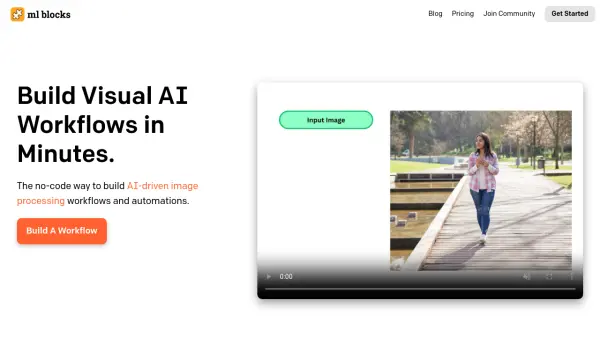
Build Visual AI Workflows in Minutes.

What is ML Blocks?

ML Blocks offers a no-code solution for creating AI-driven image processing workflows. Users can easily build automations by dragging and dropping different blocks, allowing them to generate, edit, or analyze images without writing any code.

The platform provides a visual interface where users combine AI models, such as Stable Diffusion for image generation and in-painting, with standard image editing functions like cropping, resizing, and recoloring. It simplifies the process of extracting data from images using detection or segmentation models.

Features

  • Image Generation: Generate or in-paint images using AI models like Stable Diffusion.
  • Image Editing: Modify images with editing functions like crop, resize, recolor etc.
  • Image Analysis: Extract data from images using detection or segmentation models.
  • No-Code Interface: Combine AI models with image editing steps without writing any code.

Use Cases

  • Automated image enhancement for e-commerce
  • Generating marketing visuals
  • Creating custom image datasets
  • Analyzing images for data extraction

Related Tools:

Blogs:

  • Ghibli Art Generator AI tools

    Ghibli Art Generator AI tools

    List of the best AI tools to turn your photos into images that look like Studio Ghibli movies. Easy to use and fun for everyone.

  • Top 6 AI note-taking tools for 2026: in-person, online, and hybrid use cases

    Top 6 AI note-taking tools for 2026: in-person, online, and hybrid use cases

    Most AI note-taking lists are really lists of meeting bots, which join your video call and transcribe it. That's useful, but it's half the picture. Decisions happen in hallway conversations, client dinners, on-site visits, and hybrid rooms where nobody is on a video link. This guide covers different parts of the note-taking workflow: hardware capture for in-person settings, platform-native tools for online calls, and AI layers for organizing and synthesizing what you've captured. It compares six tools by capture context, workflow fit, pricing, and limitations.

Didn't find tool you were looking for?

Be as detailed as possible for better results