What is Mage?
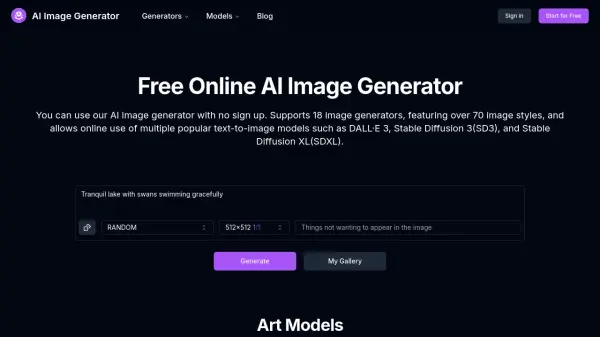
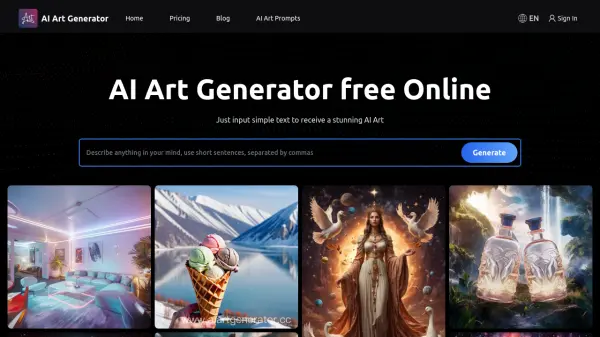
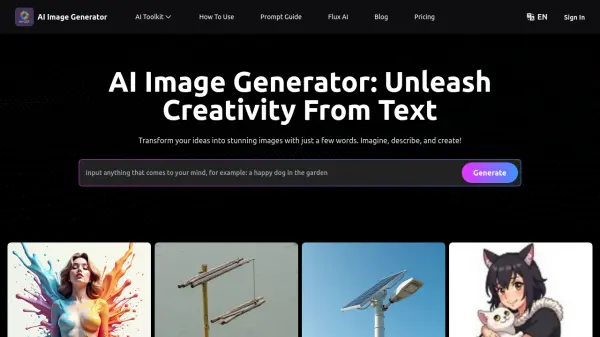
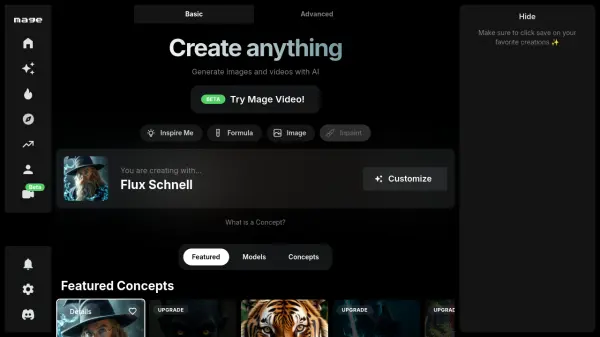
Mage provides a platform for AI-driven image generation, enabling users to transform text prompts into visual art quickly and efficiently. It utilizes various Stable Diffusion models, including versions 1.5 and 2.1, alongside custom community models, offering flexibility in creation.
The service emphasizes speed and accessibility, featuring a free tier for basic use. Users can fine-tune their creations with advanced options and benefit from features like image enhancement and GIF generation. An optional NSFW filter allows for content moderation control, catering to a diverse range of creative needs.
The service emphasizes speed and accessibility, featuring a free tier for basic use. Users can fine-tune their creations with advanced options and benefit from features like image enhancement and GIF generation. An optional NSFW filter allows for content moderation control, catering to a diverse range of creative needs.
Features
- AI Image Generation: Create images from text prompts using advanced AI models.
- Multiple Models: Access Stable Diffusion 1.5, 2.1, and custom community models.
- Fast Generation: Quickly generate images with optimized performance.
- Optional NSFW Filter: Toggle content filtering based on preference.
- Free Tier Available: Start creating images at no cost.
- Image Enhancement: Improve the quality and details of generated images.
- GIF Creation: Generate animated GIFs from prompts.
- Advanced Controls: Fine-tune generation with negative prompts, guidance scale, steps, seed, and aspect ratio.
Use Cases
- Creating unique digital art from text descriptions.
- Generating illustrations for blog posts or articles.
- Visualizing concepts for design projects.
- Creating custom avatars or profile pictures.
- Generating images for social media content.
- Experimenting with AI image generation capabilities.