What is Lotse?
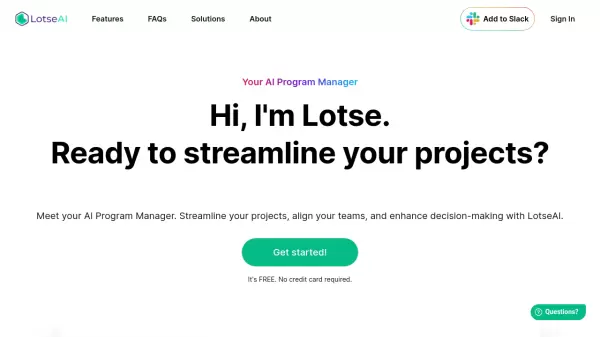
Lotse serves as an advanced AI program management solution that revolutionizes project workflow through intelligent information retrieval and seamless tool integration. The platform synchronizes with various data sources and workplace tools, providing real-time answers and eliminating the need for manual file searching.
The system offers AI-powered reporting capabilities, risk analysis, and decision-making support while maintaining a centralized hub for all project-related activities. Through its interactive query interface, Lotse ensures stakeholder engagement and transparency while automating routine tasks like weekly reports and project overviews.
Features
- Information Retrieval: Real-time access to project data with source citation
- Tool Integration: Seamless connectivity with Jira, Asana, Trello, and other popular tools
- AI Reporting: Automated generation of weekly reports and stakeholder summaries
- Risk Analysis: AI-driven risk detection and proactive issue management
- Data Synchronization: Centralized hub for all project information
- Stakeholder Interface: Interactive query system for accessing project updates
Use Cases
- Program management and oversight
- Project status reporting and updates
- Stakeholder communication
- Risk management and analysis
- Team collaboration and alignment
- Document and information retrieval
FAQs
-
How does Lotse ensure data privacy and security?
This information is available in their security documentation. -
How do Agents work?
Lotse uses AI agents to automate tasks such as drafting reports and providing project insights.