What is LLMDog?
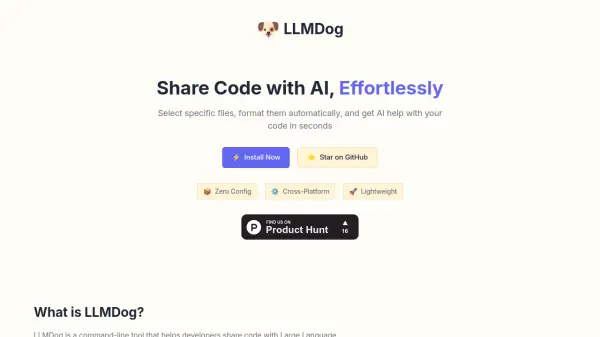
LLMDog offers a streamlined command-line interface for developers needing to share code snippets with Large Language Models (LLMs) such as Claude and ChatGPT. It simplifies the often tedious task of manually copying and formatting code from multiple files. Users can interactively select specific files directly from their project directory.
Once files are selected, the tool automatically formats the code using proper Markdown, including syntax highlighting and preserving the directory structure context. This formatted output is then conveniently copied to the user's clipboard, ready to be pasted directly into any AI assistant, saving time and reducing potential errors in code sharing.
Features
- Interactive File Selection: Navigate project directories and select multiple files using arrow keys and space/tab.
- Automatic Markdown Formatting: Formats selected code with proper Markdown, including syntax highlighting and directory structure.
- Clipboard Integration: Copies the formatted output directly to the clipboard.
- Zero Configuration: Ready to use without extensive setup.
- Cross-Platform Compatibility: Works across different operating systems.
- Lightweight: Designed to be efficient and not resource-intensive.
- Bookmarks: Save and reuse common file selections.
- Content Search: Find files based on their content.
Use Cases
- Debugging code with AI assistance.
- Getting explanations for code blocks from LLMs.
- Refactoring code using AI suggestions.
- Generating documentation for code with AI.
- Sharing project context with AI for feature development ideas.
FAQs
-
Can I save my file selections in LLMDog?
Yes, LLMDog features Bookmarks that allow you to save and reuse common file selections for quick access. -
Can I search for files by their content?
Yes, LLMDog includes a Content Search feature to find files based on the code they contain, not just their filenames. -
What format is the output provided in?
The output is formatted in Markdown, including a directory structure overview and the contents of each selected file with syntax highlighting, ready for AI assistants.