What is Listener?
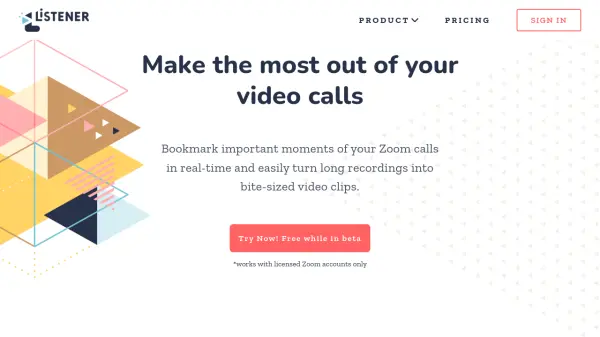
Listener is an AI-powered product discovery tool designed to enhance the value of Zoom meetings through intelligent features. It enables users to capture important moments during video calls with real-time bookmarking, creating bite-sized video highlights that can be easily edited by selecting transcribed text. The tool generates searchable time-stamped transcripts, providing teams with a comprehensive knowledge repository of customer interactions.
Teams can share these video highlights across platforms like Slack, Notion, and email, bringing customer voices directly to stakeholders. Listener also allows users to create playlists of video clips from multiple meetings to tell compelling stories for presentations to teams, investors, or boards. It integrates seamlessly with licensed Zoom accounts to boost productivity and facilitate better decision-making through customer context.
Features
- Real Time Highlights: Create video snippets during Zoom calls by bookmarking moments
- Meeting Transcript: Generate searchable time-stamped transcripts from recorded meetings
- Playlists: Compile video highlights from multiple meetings into organized collections
- Zoom Integration: Seamlessly works with licensed Zoom accounts for recording and highlights
- Team Collaboration: Share video clips with team members via Slack, Notion, or email
Use Cases
- Capturing key moments during customer discovery interviews
- Creating shareable video highlights from user testing sessions
- Compiling customer feedback from sales calls into playlists
- Enhancing team meetings with searchable meeting transcripts
- Presenting customer insights to investors or board members
FAQs
-
What types of Zoom accounts does Listener work with?
Listener works only with licensed Zoom accounts. -
Can I edit video highlights after creating them?
Yes, video highlights can be edited by selecting the transcribed text. -
How many team members can use Listener?
Listener includes unlimited editor and viewer accounts for team collaboration. -
Is there a limit to the number of meetings I can record?
No, Listener offers unlimited recorded meetings per month. -
What support options are available?
Support includes an onboarding call, live chat, knowledge base, and email support.