What is LibreAutomate?
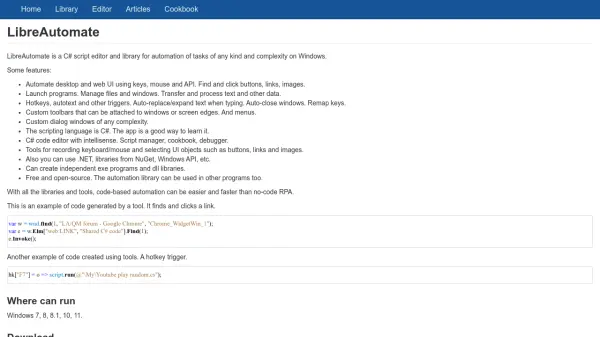
LibreAutomate is a comprehensive automation solution for Windows that combines a C# script editor with a powerful library for automating tasks of any complexity. It enables users to automate desktop and web user interfaces using keys, mouse actions, and APIs, allowing for the automation of repetitive processes such as clicking buttons, managing files, and transferring data.
The tool includes features like hotkeys, autotext triggers, custom toolbars, and dialog windows, all built on the C# programming language and .NET framework. With its code editor offering intellisense, a script manager, and debugging tools, LibreAutomate provides a robust environment for both learning C# and developing automation scripts. It supports creating independent executable programs and DLL libraries, making it a versatile choice for automation projects.
Features
- C# Script Editor: Code editor with intellisense, script manager, and debugger for automation scripting
- UI Automation: Automate desktop and web UI using keys, mouse, and API to find and click buttons, links, and images
- Triggers and Toolbars: Hotkeys, autotext triggers, custom toolbars, and menus for task automation
- Program Creation: Create independent exe programs and dll libraries using .NET and Windows API
- Recording Tools: Tools for recording keyboard/mouse actions and selecting UI objects for automation
Use Cases
- Automating repetitive desktop tasks like file management and window control
- Creating automation scripts for web UI interactions such as clicking links and buttons
- Developing custom toolbars and hotkeys for productivity enhancement
- Learning C# programming through practical automation projects
- Building executable programs for task automation without no-code RPA