What is Lesson22?
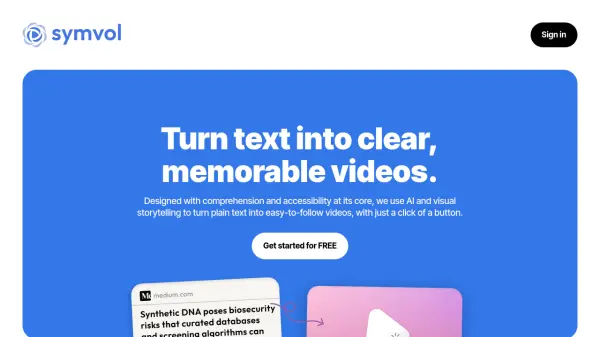
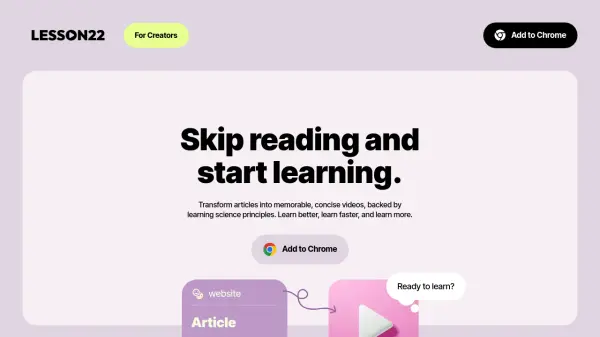
Lesson22 is an innovative Chrome extension that revolutionizes online learning by converting text-based articles into engaging, educational videos. This AI-powered tool leverages learning science principles to distill key information from articles into clear, concise video content.
The platform specializes in transforming various educational content types, including explainers, tutorials, and deep dives, into memorable video formats that activate both audio and visual learning pathways. This dual-processing approach helps users learn faster and retain information more effectively than traditional text-based learning.
Features
- Video Generation: Transforms articles into educational videos
- Learning Science Integration: Uses proven principles for better retention
- Browser Integration: Easy-to-use Chrome extension
- Multi-modal Learning: Combines visual and audio elements
- Content Summarization: Distills key information from articles
- Cross-language Support: Can convert content between languages
Use Cases
- Converting educational articles into video content
- Learning assistance for people with dyslexia or ADHD
- Processing long-form content into digestible video summaries
- Creating educational content for businesses
- Transforming blog posts into engaging video content
- Converting tutorials into visual learning materials
FAQs
-
Is the extension helpful for people with dyslexia or ADHD?
Yes, the extension helps people with learning differences by turning text into clear, visually engaging videos that simplify complex information and help users focus better. -
What type of articles is this extension for?
The extension works best with educational content like explainers, deep dives, how-to guides, tutorials, case studies, and personal development articles. It doesn't support entertainment, breaking news, lifestyle, product reviews, or adult content. -
Can I download the generated videos?
Video downloads will be available in the upcoming Creator Plan, along with features like embedding links, appearance customization, voice selection, and multiple language support. -
Can I use Lesson22 for my business?
Yes, businesses are being gradually onboarded. Interested parties should contact the CEO directly at [email protected] to discuss their use case. -
Can I use the extension for my private files?
Not yet, but this feature is coming soon.