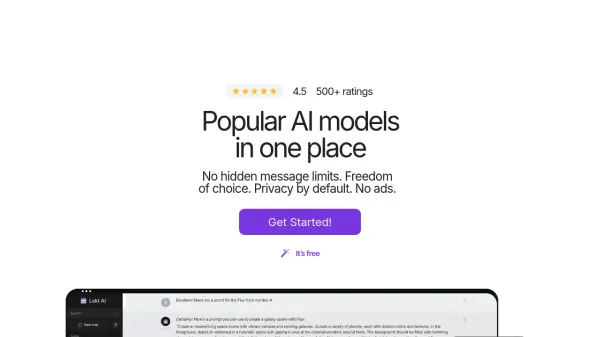
What is Lekt.ai?
Lekt.ai is an advanced platform designed to offer versatile AI-powered tools and models for various applications, making it suitable for professionals in many fields. It combines the power of leading AI technologies like ChatGPT-4o, Gemini Pro, and Claude to assist users in tasks ranging from generating natural language text to creating high-quality images using FLUX.1, DALL-E 3, and Stable Diffusion.
Key features include the ability to generate code, and analyze text, as well as image creation, all through an easy-to-use interface. Lekt.ai also supports voice communication, enabling users to interact with the assistant through speech. The platform offers customization through prompt templates. Lekt.ai web search functionality provides real-time data and relevant information directly through the assistant, enhancing its usability for research or content creation.
Features
- GPT-4o Integration: Access the latest GPT-4o model for text and code generation.
- Multiple AI Models: Combines Gemini Pro, Claude, and other top AI models.
- Image Generation: Utilizes FLUX.1, DALL-E 3, and Stable Diffusion for high-quality image creation.
- Voice Communication: Interact with the AI assistant through speech.
- Web Search: Integrated web search functionality for real-time data retrieval.
- Customizable Prompts: Prompt templates for tailored user interactions.
- Privacy by Default: Ad-free experience with strong focus on user data protection.
Use Cases
- Content creation and editing
- Software development and code generation
- Data analysis and interpretation
- High-quality image generation for design and marketing
- Personalized tutoring and educational assistance
- Customer support and communication
- Market research and trend analysis
FAQs
-
How can I use AI chatbots for education with Lekt.ai?
Lekt.ai leverages AI in education by providing personalized tutoring, assisting with homework, and offering resources for both students and teachers. Its AI assistant online can help explain complex topics, generate study materials, and make learning more interactive and accessible. -
Can I have an online chat with AI using Lekt.ai's chatbot GPT integration?
Absolutely! Lekt.ai incorporates ChatGPT-4, allowing you to have interactive and intelligent conversations online. Whether you need assistance with writing, brainstorming ideas, or casual conversation, the AI chatbot GPT integration provides a responsive and engaging online AI chatbot experience. -
Is Lekt.ai's AI assistant available online across all devices?
Yes, Lekt.ai is accessible across all devices, including desktops, laptops, tablets, and smartphones. Its AI assistant online ensures that you can stay productive and connected, whether you're at home, in the office, or on the go. -
Does Lekt.ai offer AI-powered image generation online?
Yes, Lekt.ai includes AI models like FLUX, DALL-E 3, and Stable Diffusion for image generation. Users can bring their ideas to life by creating high-quality images using AI, all within the Lekt.ai platform. -
Is voice communication supported in Lekt.ai's AI chat assistant?
Yes, Lekt.ai supports voice communication, allowing users to interact with the AI assistant through speech. This feature makes the platform more accessible and convenient, enabling hands-free operation and a more natural conversational experience.