What is Legalite?
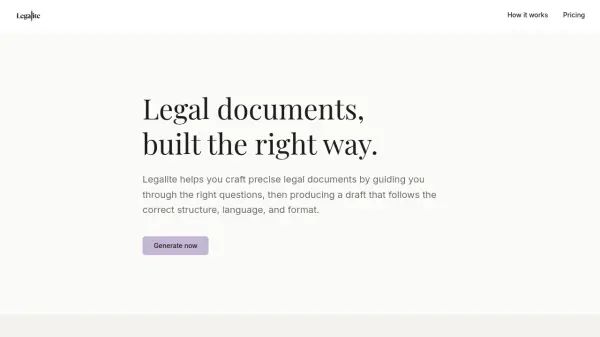
Legalite is an AI-powered platform designed to assist users in creating accurate legal documents through a structured, guided process. It helps individuals and professionals draft legal documents by asking relevant questions specific to the document type and jurisdiction, then generates a draft that adheres to proper legal structure, language, and formatting conventions.
The platform ensures that documents follow established legal standards for the selected state, producing drafts that read as expected in professional contexts. Users can review, edit, and export documents in Word or PDF formats, making it suitable for various legal needs without requiring extensive legal expertise.
Features
- State-Specific Drafting: Generates legal documents tailored to the laws and requirements of selected jurisdictions
- Guided Questioning: Presents structured questions to capture necessary details without unnecessary inputs
- Professional Formatting: Produces drafts with correct legal structure, language, and formatting
- Multiple Document Types: Supports various legal agreements including NDAs, service agreements, and employment contracts
- Export Options: Allows downloading completed documents in Word or PDF formats
Use Cases
- Drafting independent contractor agreements for freelancers
- Creating non-disclosure agreements for business partnerships
- Generating employment agreements for new hires
- Preparing service agreements for client projects
- Formulating demand letters for legal disputes
FAQs
-
What types of legal documents can Legalite generate?
Legalite can generate Non-Disclosure Agreements, Service Agreements, Independent Contractor Agreements, Employment Agreements, and Demand Letters, with more document types coming soon. -
Which jurisdictions does Legalite support?
Currently, Legalite supports California and New York, with Texas coming soon. -
Can I edit the documents generated by Legalite?
Yes, you can review and make edits to the generated drafts before exporting them. -
What file formats can I export my documents in?
Documents can be exported in both Word (.docx) and PDF formats. -
Is there a free plan available?
Yes, Legalite offers a free plan that allows users to draft and download up to 3 documents.