LawDroid favicon

LawDroid
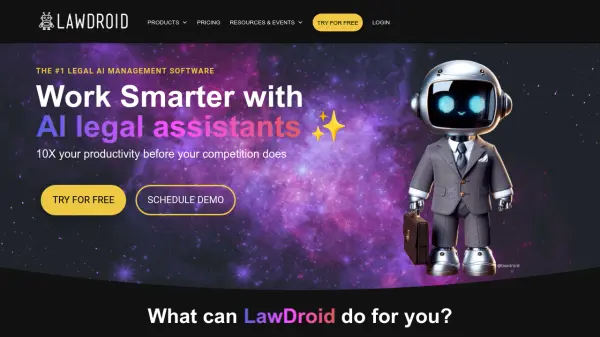
Work Smarter with AI Legal Assistants

What is LawDroid?

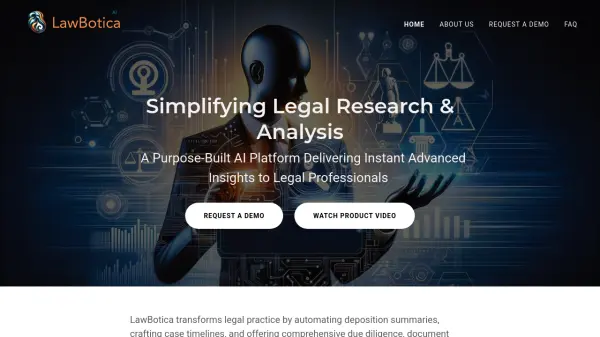
LawDroid provides AI legal assistants designed to enhance productivity for legal professionals. The platform includes two primary products: LawDroid Copilot and LawDroid Builder. These tools streamline tasks such as legal research, document drafting, and client intake. LawDroid helps to automate routine work, enabling professionals to focus on higher-value activities.

It allows legal professionals to save time, reduce costs, and improve client experience by leveraging artificial intelligence capabilities. They can make data-driven decisions and engage with clients through automated features. The services offer a range of functionalities from answering legal questions to converting documents into dynamic templates.

Features

  • Research Legal Cases: Quickly find relevant cases using case law research feature.
  • Draft Emails and Letters: Clearly convey what you want to convey professionally in seconds.
  • Upload Documents: Thoroughly analyze, summarize and extract relevant information.
  • Intake New Clients: Engage potential clients with chatbots, capture lead information, and integrate with case management systems.
  • Automate Documents: Convert Word documents into dynamic templates with conditional logic.
  • Data-Driven Decisions: Understand client needs based on the usage data.
  • Natural Language Answers: Empower your clients to get immediate answers to their legal questions.

Use Cases

  • Automating client intake processes
  • Conducting legal research on case law
  • Drafting legal documents, emails, and letters
  • Analyzing and summarizing legal documents
  • Creating custom chatbots for client interaction
  • Building scalable legal tools for online service offerings

Related Tools:

Blogs:

  • Top 6 AI note-taking tools for 2026: in-person, online, and hybrid use cases

    Top 6 AI note-taking tools for 2026: in-person, online, and hybrid use cases

    Most AI note-taking lists are really lists of meeting bots, which join your video call and transcribe it. That's useful, but it's half the picture. Decisions happen in hallway conversations, client dinners, on-site visits, and hybrid rooms where nobody is on a video link. This guide covers different parts of the note-taking workflow: hardware capture for in-person settings, platform-native tools for online calls, and AI layers for organizing and synthesizing what you've captured. It compares six tools by capture context, workflow fit, pricing, and limitations.

  • Best ai tools for Twitter Growth

    Best ai tools for Twitter Growth

    The best AI tools for Twitter's growth are designed to enhance user engagement, increase followers, and optimize content strategy on the platform. These tools utilize artificial intelligence algorithms to analyze Twitter trends, identify relevant hashtags, suggest optimal posting times, and even curate personalized content.

  • Chat with PDF AI Tools

    Chat with PDF AI Tools

    Easily interact with your PDF documents using our advanced AI-powered tool. Whether you're reading lengthy reports, research papers, contracts, or eBooks, our platform lets you chat directly with your PDF files, ask questions, extract insights, and get summaries in real-time.

  • Best AI tools for Product Photography

    Best AI tools for Product Photography

    Explore top AI tools that can elevate your product photography, helping you enhance images, streamline workflows, and create professional visuals with ease.

Didn't find tool you were looking for?

Be as detailed as possible for better results