What is Laterbase?
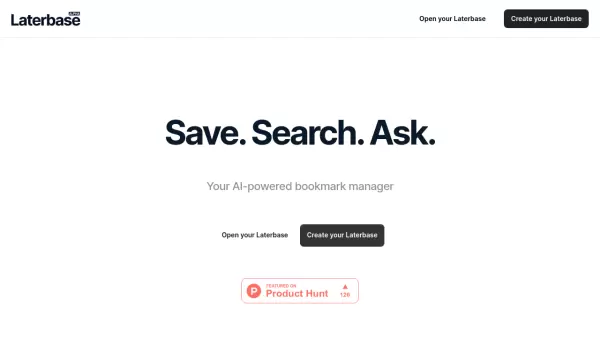
Laterbase revolutionizes the traditional bookmark management experience by incorporating artificial intelligence capabilities. The platform enables users to instantly capture and organize websites while providing powerful search functionality to easily locate saved content.
The tool distinguishes itself through its chat-powered interface, allowing users to gain insights from their bookmarked content through interactive conversations. This modern approach to bookmarking transforms static saved links into an accessible, dynamic knowledge base.
Features
- Instant Capture: Quick website saving functionality
- Smart Organization: AI-powered content categorization
- Chat Interface: Interactive conversations with bookmarked content
- Advanced Search: Intelligent content discovery system
- Knowledge Management: Transform bookmarks into searchable resources
Use Cases
- Research collection and organization
- Content curation
- Knowledge base building
- Information retrieval
- Website reference management
FAQs
-
How does the chat-powered insight feature work?
The chat-powered feature allows users to interact with their bookmarked content through conversation, enabling them to extract insights and information from their saved websites through natural language queries.