
What is JustPaid?
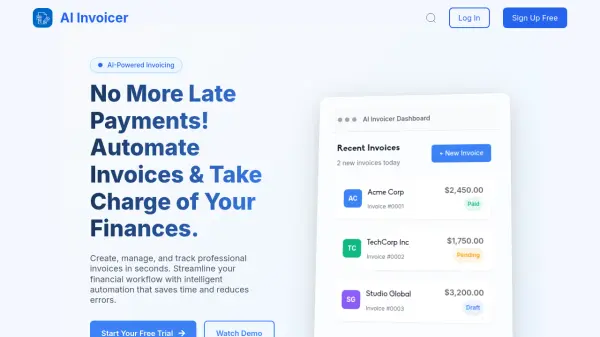
JustPaid offers AI-powered solutions to centralize and automate billing processes. The platform streamlines invoicing and payment collections, significantly reducing the time and effort traditionally required.
With features like automated invoice generation, real-time data analytics, and customizable billing rules, JustPaid eliminates common errors and delays. The system integrates seamlessly with existing systems, providing a comprehensive solution for managing finances efficiently.
Features
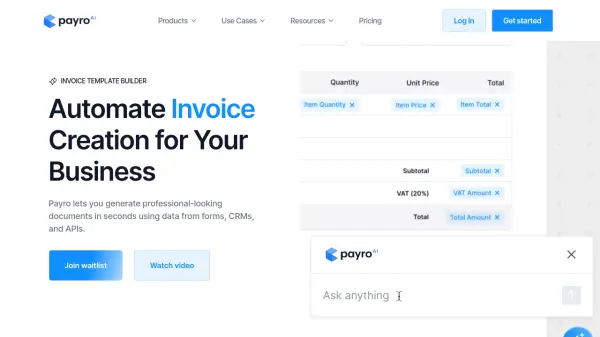
- Automated Invoice Generation: Save time and reduce errors with our smart invoice creation tools.
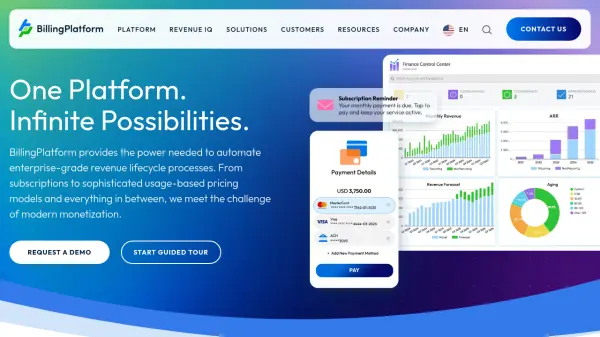
- Real-Time Data Analytics: Gain instant insights into your financial performance with live updates and dynamic reports.
- Customizable Billing Rules: Easily manage complex billing scenarios with AI managed rules.
- Manage approvals: Collaborate and align on customer situations before you send invoices.
- Seamless Integration: Connect effortlessly with your existing systems and platforms.
- Dunning and AI Collections: Keep your customers on track with automated, natural language reminders before and after due dates.
Use Cases
- Automate invoice creation and delivery.
- Track and manage accounts receivable.
- Monitor financial KPIs, burn rate, and runway.
- Centralize billing systems into a single revenue dashboard.
- Automate payment reminders and collections.
- Manage prepaid expenses and amortization schedules.