What is Jumble Solver?
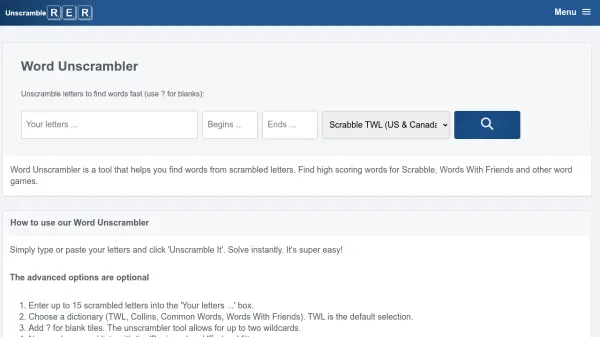
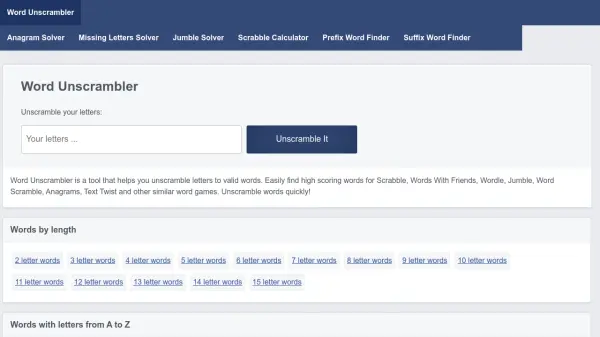
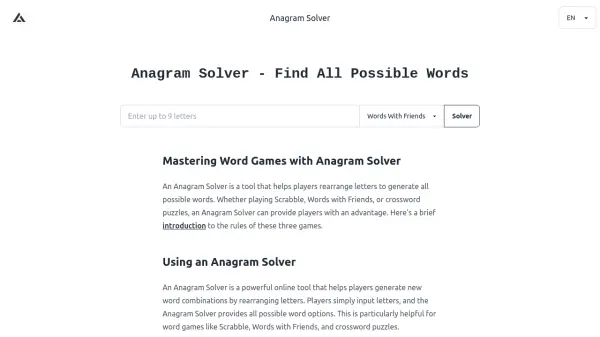
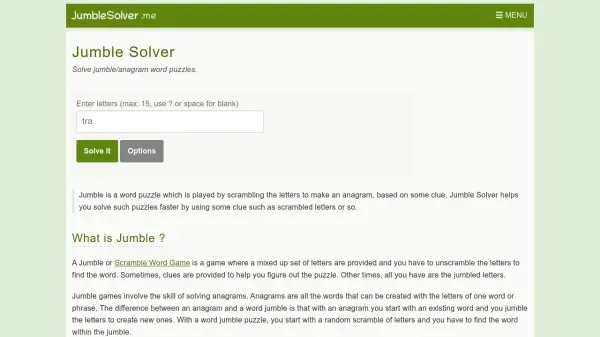
Jumble Solver is a specialized tool designed to assist users in solving word puzzles such as jumbles and anagrams. It works by allowing users to input scrambled letters, up to a maximum of 15, with options for blank tiles represented by spaces or question marks. The tool then generates a list of possible words that can be formed from those letters, acting like a single-word anagram solver. This functionality is particularly useful for daily jumble puzzles or similar word games, where users might get stuck and need quick solutions.
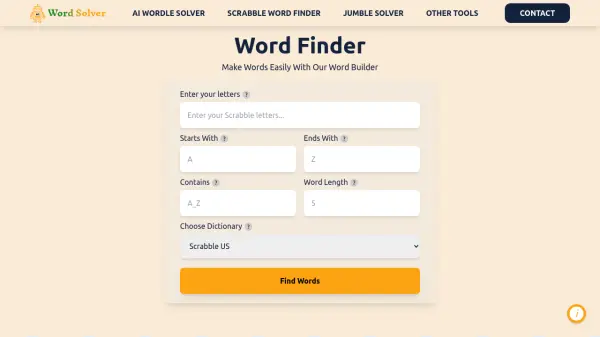
The tool includes advanced options to refine results, such as selecting from different dictionaries (e.g., NWL for US/Canada, CSW for UK, ENABLE), and specifying constraints like words that must include certain letters, start with specific letters, or end with particular letters. It also provides tips for improving puzzle-solving skills, such as identifying prefixes, suffixes, and common letter combinations. By using this solver, users can enhance their word game abilities, making it a valuable resource for entertainment and learning purposes.
Features
- Letter Unscrambling: Input scrambled letters to generate possible words from them
- Dictionary Selection: Choose from multiple dictionaries including NWL for US/Canada, CSW for UK, and ENABLE
- Advanced Filtering: Refine results with options like must include letters, start with letters, or end with letters
- Blank Tile Support: Use spaces or question marks to represent blank tiles in puzzles
- Educational Tips: Provides strategies such as identifying prefixes, suffixes, and common letter patterns to improve puzzle-solving skills
Use Cases
- Solving daily jumble or anagram puzzles quickly
- Improving skills for word games like Scrabble and Words with Friends
- Learning new words and patterns through puzzle-solving practice
- Settling disputes among friends in word games by verifying possible words
- Using as a cheat tool occasionally to win word puzzles
FAQs
-
What is the maximum number of letters I can input?
You can input up to 15 letters in the Jumble Solver tool. -
How do I represent blank tiles in the input?
You can use a space or a question mark (?) to represent blank tiles when entering letters. -
What dictionaries are available for word checking?
The tool offers multiple dictionaries including NWL for US/Canada, CSW for UK, and ENABLE for general use. -
Can I filter the results based on specific letter patterns?
Yes, you can use advanced options to filter results by words that must include certain letters, start with specific letters, or end with particular letters. -
Is this tool affiliated with the official Jumble® game?
No, Jumble Solver is not affiliated with Jumble® or Tribune Media Services, Inc.; it is an independent tool for entertainment purposes.