JsonWHOIS favicon

JsonWHOIS
Real-Time Domain WHOIS & Screenshot API Service

What is JsonWHOIS?

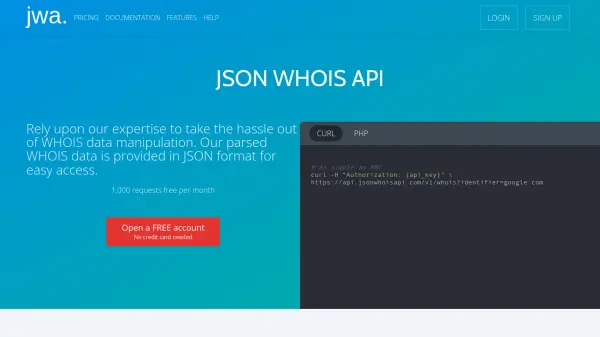
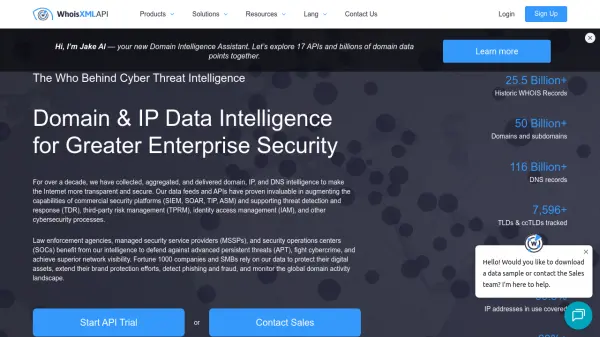
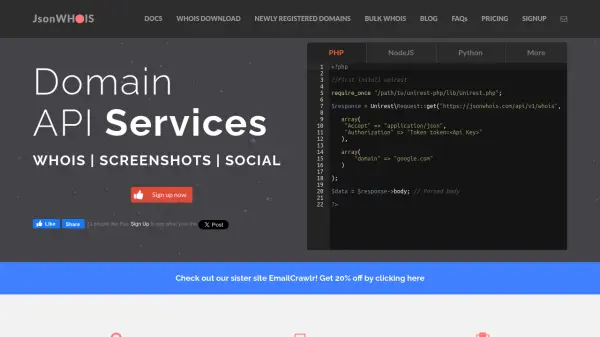
JsonWHOIS provides a powerful API service to access real-time WHOIS information and social data for any domain. Designed for accuracy and ease of use, the platform delivers updated domain data, including key dates, ownership details, and contact information, ensuring up-to-date information for every query.

In addition to domain details, JsonWHOIS offers rapid full-page screenshots, refreshed monthly and archived for historical reference. The service supports multiple programming languages and features comprehensive support, giving users advanced domain intelligence backed by dedicated technical assistance.

Features

  • Real-Time WHOIS Lookup: Access updated domain registration, ownership, and expiration details.
  • Social Data Integration: Retrieve domain-related stats from Google, Twitter, Facebook, LinkedIn, Pinterest, and Stumbleupon.
  • Fast Screenshot API: Capture full-page screenshots of any domain, with monthly refresh and historical archiving.
  • Multi-Language Support: Integrate using PHP, NodeJS, Python, and more.
  • Comprehensive Support: Enjoy expert assistance and a transparent pricing system.
  • Usage Management: Monitor and predict subscription usage with built-in statistics.

Use Cases

  • Monitor and analyze domain ownership changes for security and compliance.
  • Track social presence and engagement metrics for branded domains.
  • Automate regular domain data pulls for research or portfolio management.
  • Create domain history and appearance archives for auditing or content review.
  • Enhance cybersecurity solutions with real-time WHOIS data checks.

FAQs

  • What programming languages are supported for integration?
    JsonWHOIS supports integration with PHP, NodeJS, Python, and additional programming languages.
  • How often is the WHOIS data updated?
    WHOIS data is updated every week to provide the most relevant and current information.
  • Are historical screenshots available for domains?
    Yes, all old screenshots are logged, allowing users to build an index of historical domain appearances.
  • Is there dedicated technical support available?
    JsonWHOIS offers a dedicated support network to assist users with API integration and troubleshooting.

Related Queries

Helpful for people in the following professions

Related Tools:

Blogs:

  • Best AI tools for Room Design

    Best AI tools for Room Design

    Discover cutting-edge AI tools that redefine the art of room design. From layout optimization to aesthetic finesse, these top-tier tools enhance your space to new heights.

  • Best AI Tools For Startups

    Best AI Tools For Startups

    we've compiled a straightforward list of user-friendly AI tools designed to give startups a boost. Discover practical solutions to streamline everyday tasks, enhance productivity, and gain valuable insights without the need for a tech expert. Learn where and how these tools can be applied in your startup journey, from automating repetitive tasks to unlocking powerful data analysis. Join us as we explore the features that make these AI tools accessible and beneficial for startups in various industries. Elevate your business with technology that works for you!

  • Top 6 AI note-taking tools for 2026: in-person, online, and hybrid use cases

    Top 6 AI note-taking tools for 2026: in-person, online, and hybrid use cases

    Most AI note-taking lists are really lists of meeting bots, which join your video call and transcribe it. That's useful, but it's half the picture. Decisions happen in hallway conversations, client dinners, on-site visits, and hybrid rooms where nobody is on a video link. This guide covers different parts of the note-taking workflow: hardware capture for in-person settings, platform-native tools for online calls, and AI layers for organizing and synthesizing what you've captured. It compares six tools by capture context, workflow fit, pricing, and limitations.

  • Best text to speech AI tools

    Best text to speech AI tools

    Text-to-speech (TTS) AI tools are designed to convert written or text-based content into natural-sounding spoken audio. These tools utilize various deep learning and neural network architectures to generate human-like speech from textual input.

Didn't find tool you were looking for?

Be as detailed as possible for better results