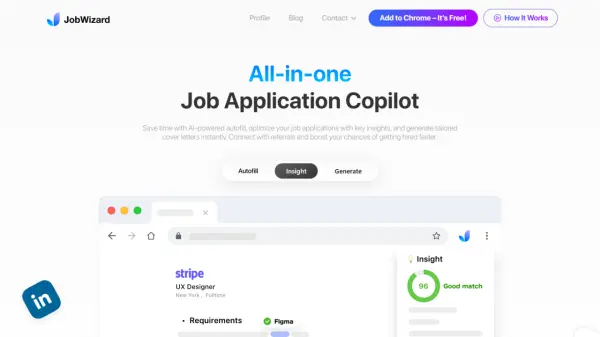
What is JobWizard?
JobWizard revolutionizes the job application process through an innovative Chrome extension that seamlessly integrates with major Applicant Tracking Systems (ATS). The platform leverages advanced AI technology to transform time-consuming application processes into efficient, streamlined experiences.
The tool combines multiple essential job search functions, including automated application filling, personalized cover letter generation, job-fit analysis, and direct referral connections. With compatibility across platforms like Workday, Greenhouse, and LinkedIn, it serves as a comprehensive solution for modern job seekers looking to optimize their application process.
Features
- AI Autofill: Automated application filling with LinkedIn integration
- Custom Question Generator: AI-powered responses for application questions
- Job Match Analysis: Score-based job fit assessment
- Cover Letter Generator: Instant personalized cover letters
- Referral Finder: LinkedIn referral matching system
- AI Career Advisor: 24/7 chat support for career guidance
- Resume Optimization: Keyword and qualification analysis
- ATS Compatibility: Works with major platforms like Workday and Greenhouse
Use Cases
- Applying to multiple jobs efficiently
- Creating tailored cover letters quickly
- Finding potential company referrals
- Optimizing resume content for ATS
- Getting instant career advice
- Analyzing job fit before applying
- Streamlining application form filling
FAQs
-
What is ATS and why is it important?
ATS (Applicant Tracking System) is software used by companies to manage recruitment processes. It automatically screens and analyzes applicant data, with over 98% of Fortune 500 companies using it. The system parses resumes, extracts key information, and assigns scores based on keyword matches with job requirements. -
What job boards do you support?
JobWizard is compatible with most leading ATS platforms and job boards such as Greenhouse, Workday, and LinkedIn. -
Why can't I use the extension on job pages after installing it?
You need to enable the 'Allow access to all pages' permission, which is essential for reading login information from the homepage. Without this permission, you won't be able to log in.