What is Ionic?
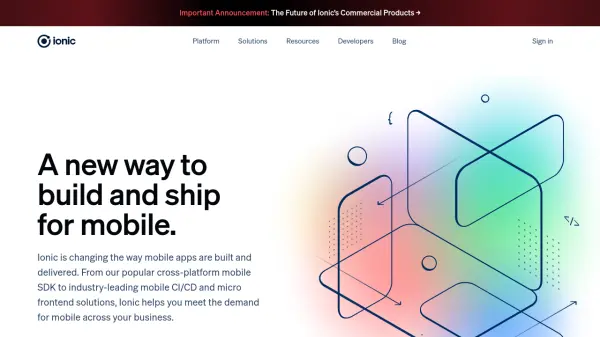
Ionic provides a complete platform for mobile app development, enabling developers to create applications for iOS, Android, and the web from a single codebase. The platform includes an open-source mobile SDK, mobile CI/CD solutions, and micro frontend capabilities to streamline the entire app lifecycle.
With Ionic, teams can build highly secure apps faster using familiar web technologies like React, Angular, and Vue, while leveraging cloud-based tools for continuous delivery and deployment. The platform is designed to help enterprises meet the growing demand for mobile experiences across various industries.
Features
- Cross-platform SDK: Build apps for iOS, Android, and web from a single codebase
- Mobile CI/CD: Cloud-based tools for building, deploying, and managing mobile apps
- Micro Frontends: Embed web-based experiences into native mobile applications
- Open Source Foundation: Built on open standards with React, Angular, and Vue integrations
- Enterprise Security: Best-in-class mobile protection with managed security features
Use Cases
- Developing cross-platform mobile applications for multiple operating systems
- Implementing continuous delivery pipelines for mobile app updates
- Creating embedded web experiences within existing native mobile apps
- Building enterprise-grade mobile applications with enhanced security
- Accelerating mobile development timelines for business applications