
What is Inbox Zen?
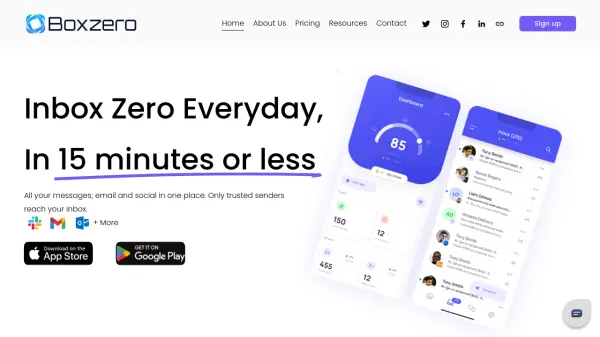
Inbox Zen is an AI-powered email management tool designed to streamline email workflows and save users significant time. The platform integrates with email accounts to provide automated drafting of replies that match the user's personal tone and style, ensuring responses feel authentic and professional.
The system organizes incoming emails by categorizing them into actionable labels while filtering out spam, promotions, and junk mail to maintain a clean inbox. It also offers tracking features to monitor email engagement and provides reminders for follow-ups, helping users stay on top of important conversations without manual effort.
Features
- Pre-Drafted Replies: Automatically generates ready-to-send email drafts tailored to your tone and style
- Inbox Organization: Categorizes emails into actionable labels and removes spam, promotions, and junk
- Email Tracking: Provides insights into what percentage of emails you open from each sender
- Follow-up Reminders: Tracks emails needing replies and sends gentle reminders to help you stay on top of conversations
Use Cases
- Automating email response drafting to save time on repetitive replies
- Organizing cluttered inboxes by categorizing emails and filtering unwanted messages
- Tracking email engagement to identify which senders to prioritize or unsubscribe from
- Managing follow-ups by receiving reminders for emails that require responses
- Improving email productivity for professionals who handle high volumes of email
FAQs
-
What happens to my inbox if I decide to stop using the product?
If you delete your Inbox Zen account, your inbox will return to its previous state. -
How quickly are new emails categorized?
If you just received an email, it may not be categorized instantly. Our system scans your inbox every few minutes to label new emails. -
When are drafts created?
Drafts are automatically generated for any email in the To Respond folder. If you need a draft for an email in another folder, simply move it to To Respond. -
Are drafts generated in any language?
Yes, drafts are automatically created in the same language as the email they respond to. -
How does InboxZen handle and protect my email data?
We do not send emails on your behalf. Your emails are never stored or used for training AI models. We use email content with an AI model solely for drafting and classification. The OpenAI API ensures no data is retained.