What is ImageToImage AI?
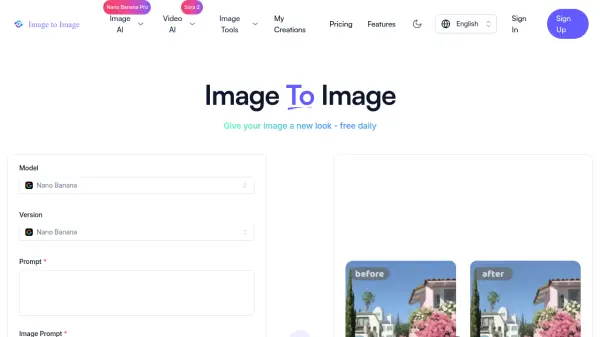
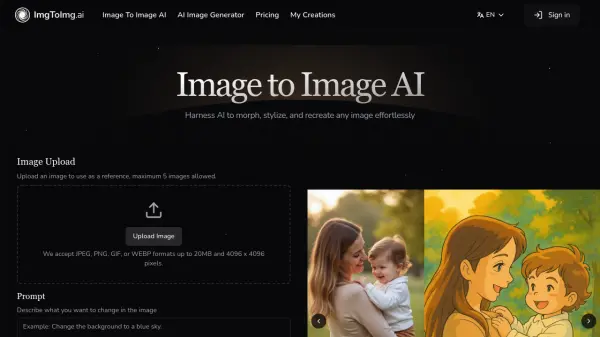
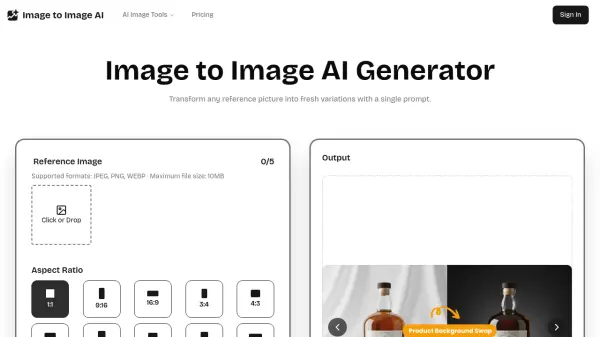
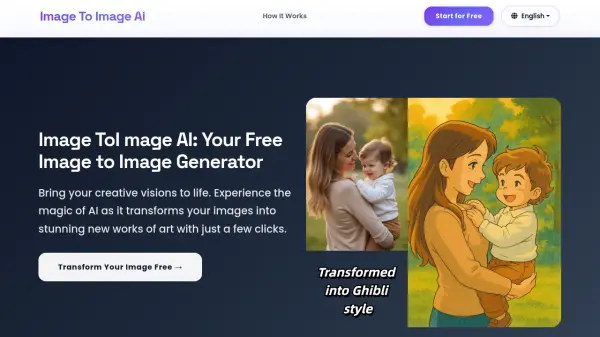
ImageToImage AI is a free online tool that leverages advanced artificial intelligence to transform your images into new artistic creations. It utilizes state-of-the-art diffusion models to analyze your source image and re-render it in a wide variety of styles, from classic oil paintings to futuristic cyberpunk. Unlike simple filters, the AI truly reimagines the image while preserving the essence of the original photo.
The platform offers full creative control through text prompts, adjustable style strength, and the ability to fine-tune the influence of the original image. Users can generate high-resolution, professional-grade visuals for social media, marketing, concept art, and more. With a simple three-step process—upload, describe, and generate—ImageToImage AI makes advanced image transformation accessible to everyone, completely free of charge.
Features
- Advanced Diffusion Models: Uses proprietary AI diffusion models for detailed and stylistically versatile image generation.
- Privacy First: Encrypts and securely processes images, never using them without permission.
- Free HD & 4K Output: Exports creations in stunning high-definition and 4K quality at no cost.
- Multiple Artistic Styles: Supports oil painting, watercolor, sketch, anime, cyberpunk, and more.
- Text Prompt Control: Allows users to guide transformations with descriptive text prompts.
- Adjustable Style Strength: Fine-tunes how much the AI influences the original image.
- Batch Processing: Transforms multiple images simultaneously (Professional and Enterprise plans).
- Commercial Licensing: Includes full commercial usage rights for paid plans.
Use Cases
- Create unique social media visuals and blog headers.
- Generate concept art for characters and environments.
- Enhance marketing materials with stylized images.
- Restore and upscale old or low-resolution photos.
- Design product packaging and branding visuals.
- Produce illustrations for digital content and print media.
FAQs
-
What image formats does ImageToImage AI support?
Input formats include JPG, JPEG, PNG, WebP, TIFF, and BMP. Output formats include PNG, JPG, and WebP. Resolution support ranges from 256x256 pixels up to 4K. File size limit is 10MB for free users and 50MB for premium subscribers. -
Can I use the transformed images commercially?
Yes, all paid plans include full commercial licensing for marketing materials, product design, content creation, client work, print media, and digital platforms. Free users should check the terms of service for commercial use restrictions. -
How fast is the image processing?
Standard processing takes 5-15 seconds, HD images 10-30 seconds, and 4K images 30-60 seconds. Batch processing and priority queuing are available for professional and enterprise plans. -
Is ImageToImage AI free to use?
Yes, the basic features including HD and 4K output are free. Premium plans offer larger file sizes, batch processing, and faster speeds.