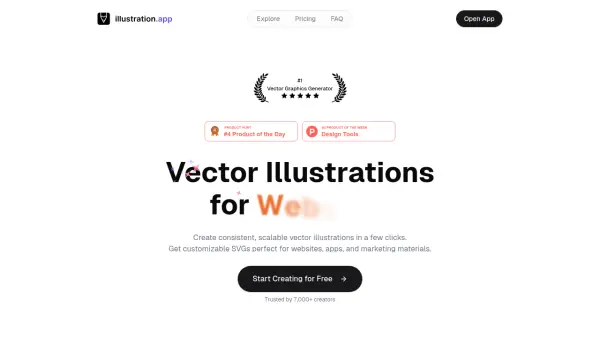
What is illustration.app?
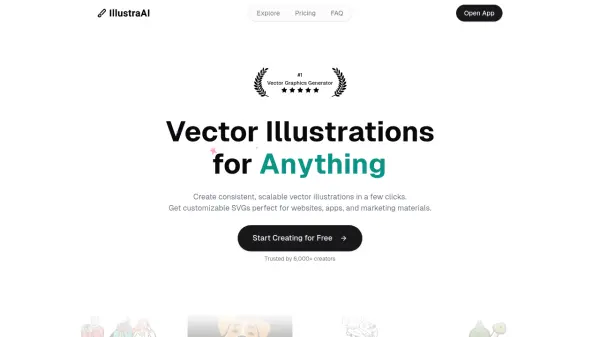
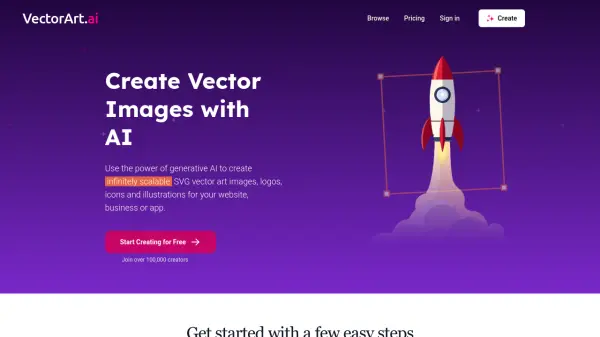
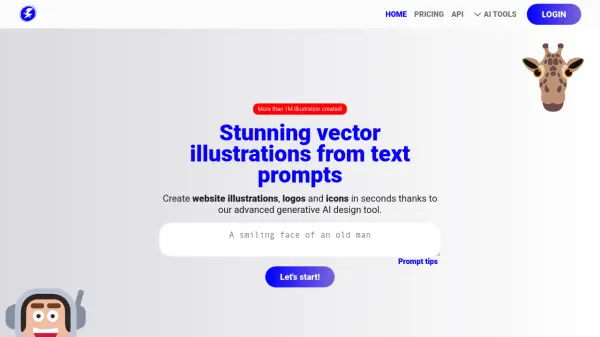
illustration.app provides a solution for creating unique visual content, addressing the common issues of generic stock images and the high cost of custom designs. Users can generate distinctive vector illustrations instantly by inputting a simple text prompt. The platform offers multiple style options and customization features, ensuring the visuals align with specific brand identities and requirements. It is designed to produce scalable SVG files suitable for websites, applications, and various marketing materials, enhancing visual consistency across different assets.
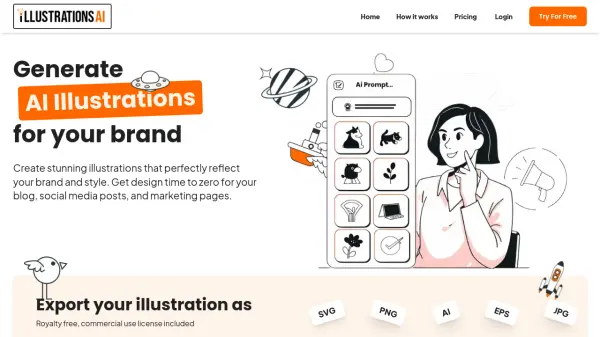
The tool incorporates AI not just for initial generation but also for refining visuals. It features an AI-powered color palette generator that creates harmonious color schemes based on described moods or vibes. Furthermore, an AI editing function allows users to transform illustrations using text commands, such as adding elements or changing backgrounds. A built-in editor provides further customization control, and final illustrations can be easily exported in SVG, PNG, or JPG formats for versatile use.
Features
- Fast Generation: Obtain illustration results within seconds.
- Smart Color Palettes: Input a vibe or mood, and AI generates a suitable color palette.
- Multiple Styles: Select from various illustration styles to fit project needs.
- SVG Format: Export clean, scalable vector files suitable for any size.
- Commercial Use: Utilize generated illustrations freely for commercial projects.
- AI Editing: Modify illustrations instantly using simple text commands.
Use Cases
- Designing app interfaces and onboarding screens.
- Creating custom hero images and decorative elements for web design.
- Developing consistent visuals for marketing materials like social media posts and ads.
- Generating clear illustrations for documentation, user guides, and tutorials.
- Enhancing blog posts with custom header images and in-post visuals.
- Producing product illustrations and promotional graphics for e-commerce.
- Creating engaging visuals for educational content and learning platforms.
- Designing eye-catching graphics for social media posts, stories, and profiles.
FAQs
-
What are credits used for in illustration.app?
Credits are used to generate illustrations. Basic generations typically cost 1 credit. -
Can illustrations generated be used commercially?
Yes, illustrations created with the tool can be used freely for any commercial project. -
What file formats are available for export?
The tool supports exporting illustrations in SVG, PNG, or JPG formats. -
Is there a free way to try illustration.app?
Yes, you can start creating for free, which likely involves a set number of initial credits to try the service. -
How quickly are illustrations generated?
Illustrations are typically generated within seconds after providing a prompt.