What is iListing AI?
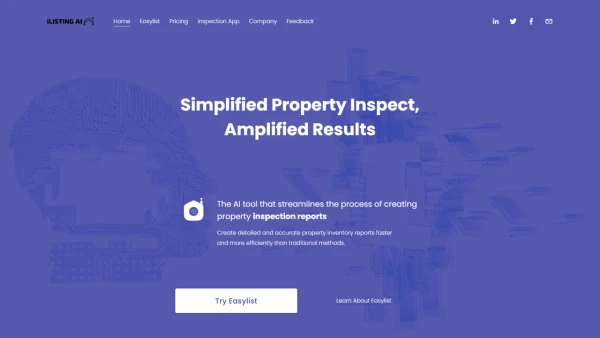
iListing AI is an AI tool that streamlines the process of creating property inspection reports. It utilizes advanced artificial intelligence to detect objects within properties and generate detailed condition descriptions, thus saving time and promoting efficiency. iListing AI empowers users to simplify property inventory inspections and enhance transparency between property owners and renters, facilitating hassle-free transactions. With its automation capabilities, Easylist – the software provided by iListing AI, minimizes the need for manual data entry and allows users to create, edit, and access reports from any location.
Features
- Detailed Condition Descriptions: AI-powered recognition of property objects for comprehensive reporting.
- Automated Report Generation: Save time by automating the creation of property inventory reports.
Use Cases
- Tenants seeking transparent inventory reports for deposit returns.
- Landlords needing checklists and reports for inventory verification and damage claims.
FAQs
-
What is iListing AI?
iListing AI is an AI tool that uses advanced artificial intelligence to streamline the process of creating property inspection reports by detecting objects and generating detailed condition descriptions. -
How can iListing AI benefit tenants?
Tenants can use iListing AI to obtain transparent inventory reports for deposit returns, ensuring fair assessments. -
Is iListing AI suitable for landlords?
Yes, landlords can leverage iListing AI for creating checklists and reports for inventory verification and damage claims, simplifying property management tasks.