

What is HitPaw FotorPea?
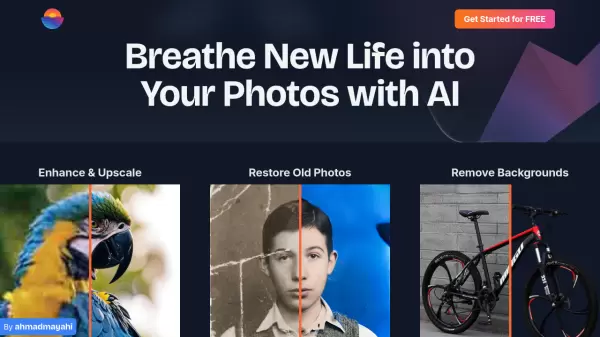
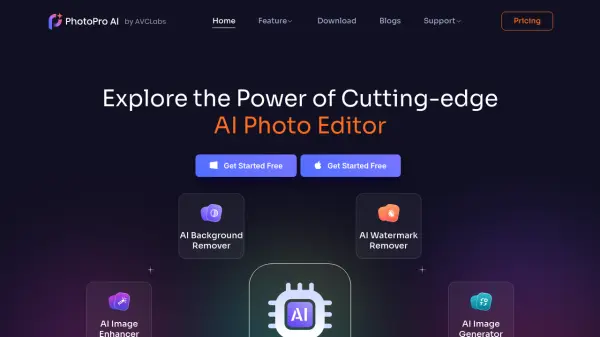
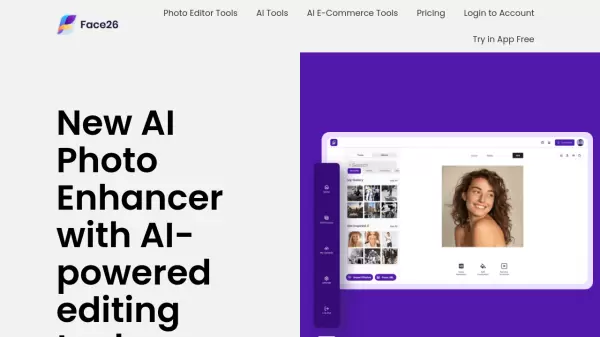
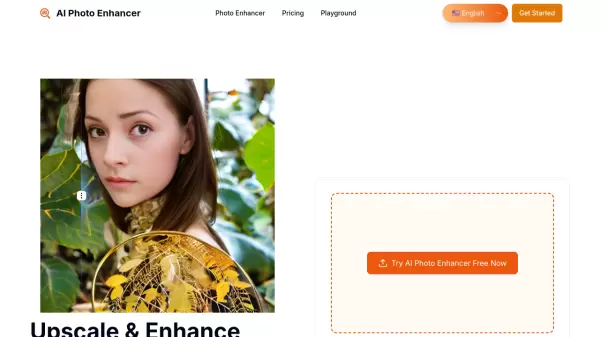
HitPaw FotorPea (formerly HitPaw Photo Enhancer) is a comprehensive AI-powered photo enhancement software that intelligently restores and improves image quality. The application features nine specialized AI models including Face Model, Upscale Model, Sharpen Model, Denoise Model, Low-light Model, and Colorize Model, each designed to address specific photo enhancement needs.
The software excels at unblurring images from various sources of blur—whether from shaky hands, fast action, or misfocused lenses—while also removing digital noise, enhancing facial details, and upscaling resolution up to 4K. Additional features include old photo restoration, background removal, AI image generation with Nano Banana Pro, and specialized tools for ID photos. Available for Windows and Mac, HitPaw FotorPea serves professionals and everyday users looking to transform low-quality or damaged photos into stunning, print-ready images.
Features
- AI Enhancement Models: Nine specialized AI models including Face, Upscale, Sharpen, Denoise, Low-light, and Colorize for targeted photo improvement
- Blur Correction: Fixes motion blur, camera shake, and focus issues while maintaining natural depth and detail
- Face Enhancement: Intelligently restores and enhances facial details in portraits with surgical precision
- Resolution Upscaling: Increases image resolution up to 4K while maintaining clarity and sharpness
- Noise Reduction: Removes digital noise and grain while preserving natural textures
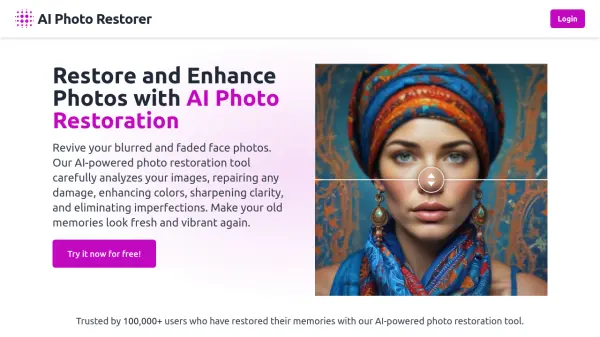
- Old Photo Restoration: Repairs scratches and fading while accurately colorizing black and white images
- Background Removal: Instantly detects and removes backgrounds with accurate edge detection
- AI Image Generation: Creates custom images from text prompts using Nano Banana Pro technology
Use Cases
- Restoring old family photographs and historical images
- Enhancing blurry action shots from sports and events photography
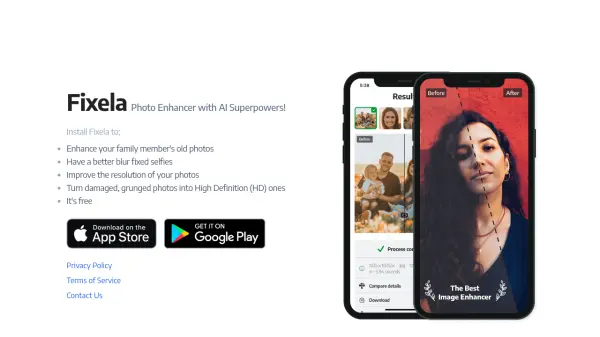
- Upgrading low-resolution smartphone photos to professional quality
- Salvaging poorly focused or motion-blurred images
- Removing noise from low-light concert and event photography
- Creating professional ID and passport photos
- Upscaling product images for e-commerce and online catalogs
- Colorizing black and white historical photographs
How It Works
Launch HitPaw FotorPea and Upload Blurred Pictures
Launch the photo enhancer software and upload your image(s).
Select AI Photo Enhancement Model(s) for Photos
Choose one AI model based on image type to get better effect.
Preview and Export Enhanced Photos
Preview the effect and export the upscaled image if you're satisfied.
FAQs
-
What is the best photo enhancer for PC?
HitPaw FotorPea (originally named HitPaw Photo Enhancer) is considered one of the best AI photo enhancers for PC. It offers AI enhancement features to easily enlarge and upscale images, denoise photos, correct colors, and restore old photos to perfect condition. -
How can I improve my photo resolution to HD, 2K, 4K, 8K, or even 16K?
With HitPaw FotorPea, you can upscale low-quality pictures to HD, 2K, 4K, 8K, and even 16K resolution. The software uses advanced AI technology to process photos with one click while preserving natural details and delivering exceptional clarity. -
How to enlarge photos with HitPaw FotorPea's photo quality enhancer?
First, open HitPaw FotorPea and import your photo. Second, select a suitable AI model and the desired output resolution. Then, click on 'Preview' to see the enhanced result. If satisfied, click 'Export' to save the high-quality image. -
What are the features that make HitPaw FotorPea different?
HitPaw FotorPea utilizes AI technology that allows users without photo repair knowledge to restore or improve any type of photo with one click. It offers different restoration modes designed for low-quality images, single-person or group old photos, and provides generative enhancement. -
How does HitPaw FotorPea work when it unblurs an image?
HitPaw FotorPea can fix blurry or out-of-focus pictures with its AI image upscaler. Simply import the photo and apply the enhancement, and the software will clear up the blur within minutes using specialized AI models that analyze and correct different types of blur.