What is Helptail?
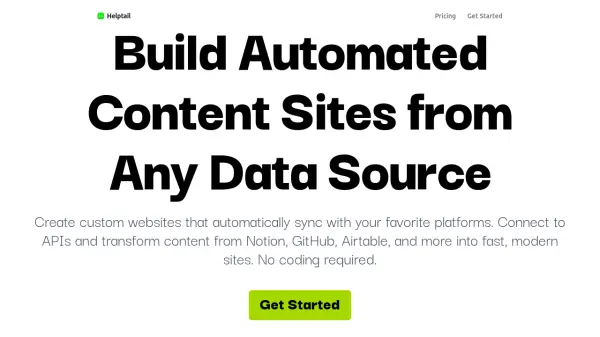
Helptail empowers users to build automated websites by effortlessly syncing content from various platforms such as Notion, GitHub, Airtable, and custom APIs. Its AI-powered features enable intelligent data transformation, such as cleaning up text, generating summaries, and producing unique content variations at scale. Users can programmatically generate thousands of unique web pages, leveraging real-time updates and flexible templates to suit a wide variety of use cases.
With Helptail, users gain full control over the site's appearance using custom CSS and components, along with seamless custom domain support for quick, secure launches. Integrations with JavaScript widgets allow content embedding across different applications, while real-time syncing ensures that changes in connected platforms are instantly reflected on live sites.
Features
- API Integration: Connect with any JSON-backed API to pull in content from various platforms.
- Multiple Data Sources: Combine data from several platforms into one unified site.
- AI-Powered Transformations: Use AI to clean text, generate summaries, and create content variations automatically.
- Programmatic SEO: Generate thousands of unique, SEO-friendly pages at scale.
- Custom Styling: Full control over site appearance with custom CSS, components, and layouts.
- Custom Domain Support: Easy domain pointing with SSL setup.
- JavaScript Embedding: Simple embed script for integrating content anywhere.
- Real-Time Sync: Automatic updates to reflect source changes instantly.
- Flexible Templates: Pre-built or fully customizable templates (Tails).
Use Cases
- Building automated directories from Airtable or Google Sheets
- Creating developer portfolios synced from GitHub or Behance
- Generating blogs or documentation sites from Notion or Basecamp
- Embedding real-time reviews from Trustpilot, G2, or Capterra on a marketing site
- Monitoring and displaying Netlify form submissions
- Programmatically creating localized or variant landing pages for SEO
FAQs
-
What data sources can I connect to Helptail?
You can connect any platform or service that provides a JSON-backed API, including Notion, GitHub, Airtable, and custom APIs. -
Does Helptail require coding skills?
No coding is required to build and launch sites with Helptail, making it accessible to users of all technical backgrounds. -
Can I fully customize the design of my website?
Yes, Helptail allows full control over your site's appearance through custom CSS, components, and layouts. -
How are updates from data sources reflected on my site?
Content syncs in real-time, so any changes in connected platforms appear instantly on your website.